
Cone beam CT · CBCT
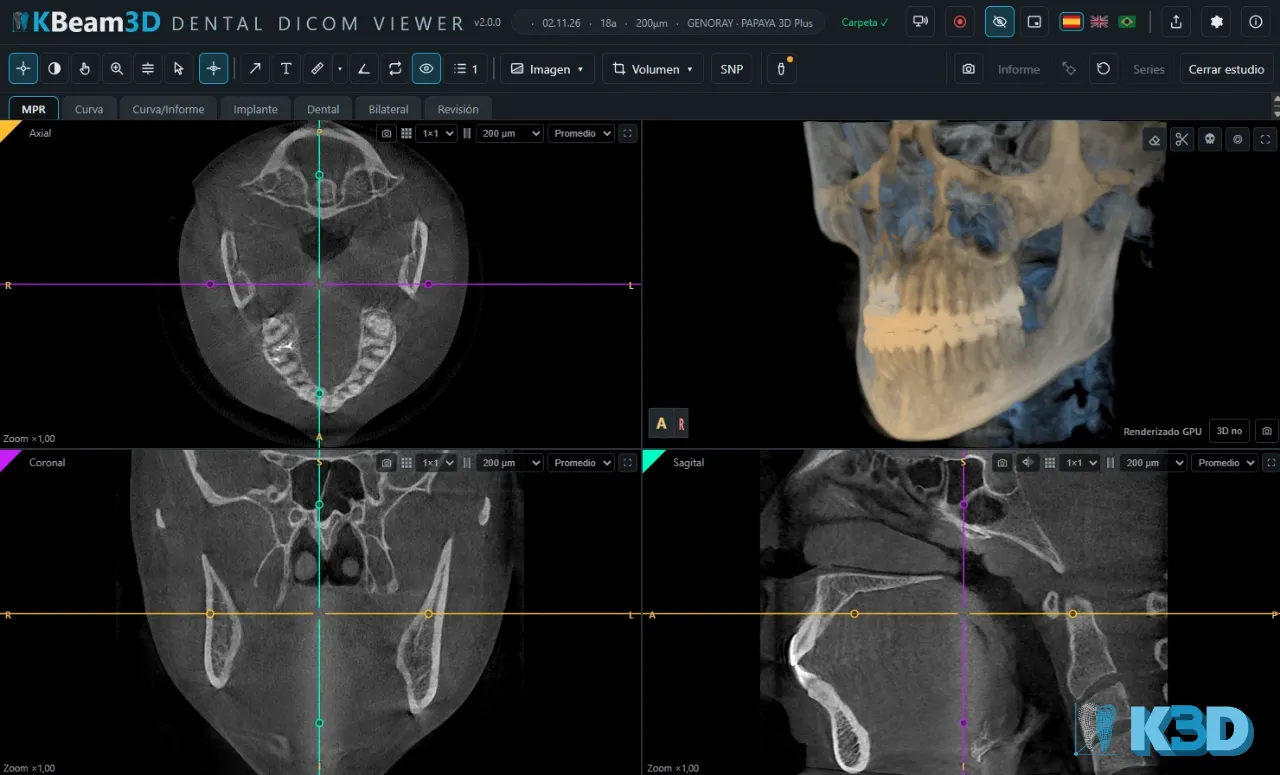
Your dental CBCT, open in the browser.
DICOM viewer for cone beam CT scans. Use it online or with the app: you manage your studies and nothing is uploaded to any server.
- Online or with the app
- Your studies, only on your device
- PDF and PowerPoint report (Pro)
What can it do?
From the first slice to the final report.
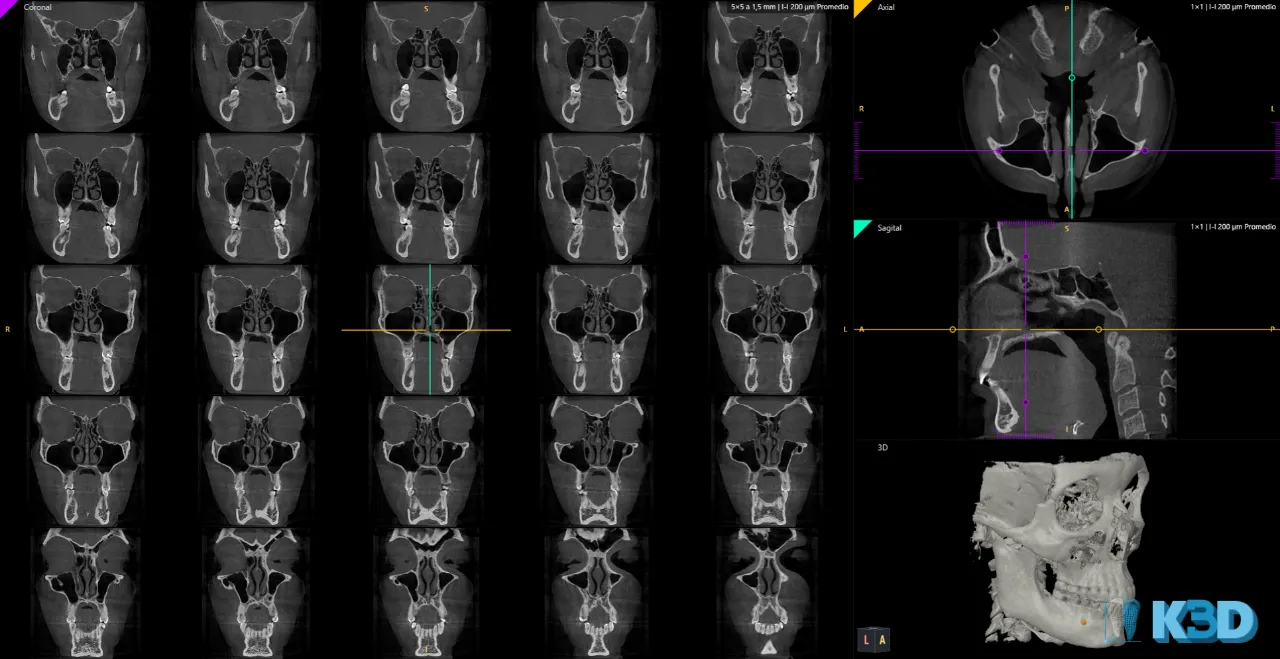
MPR
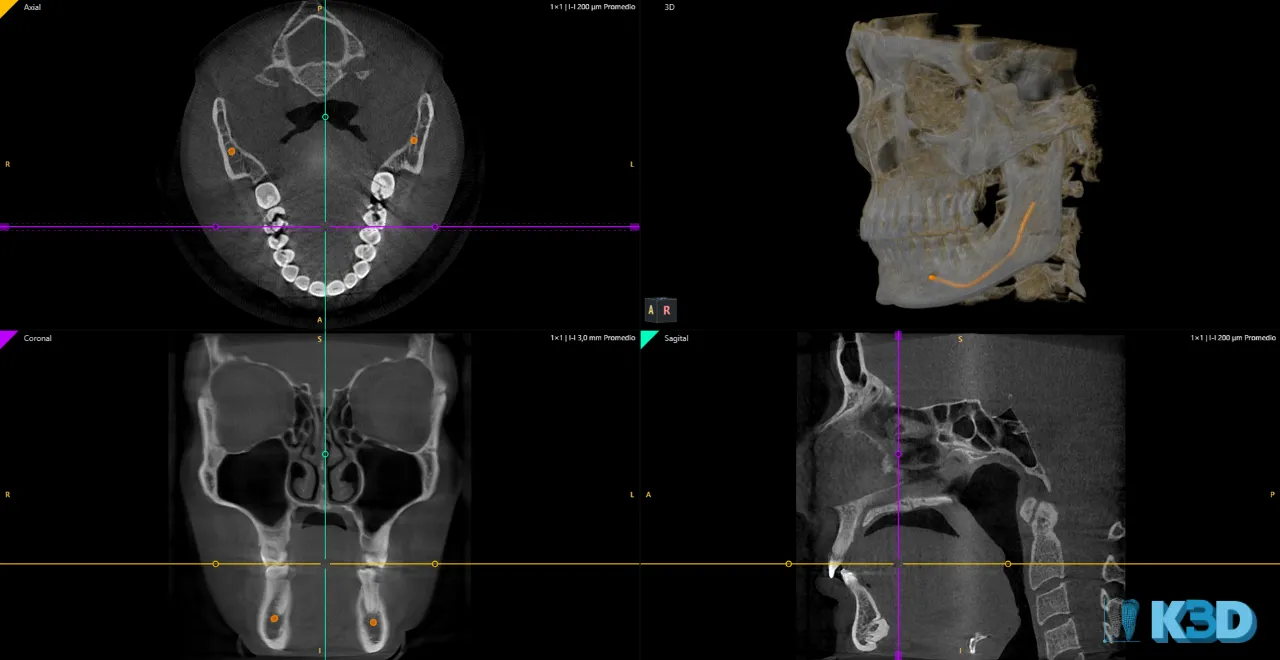
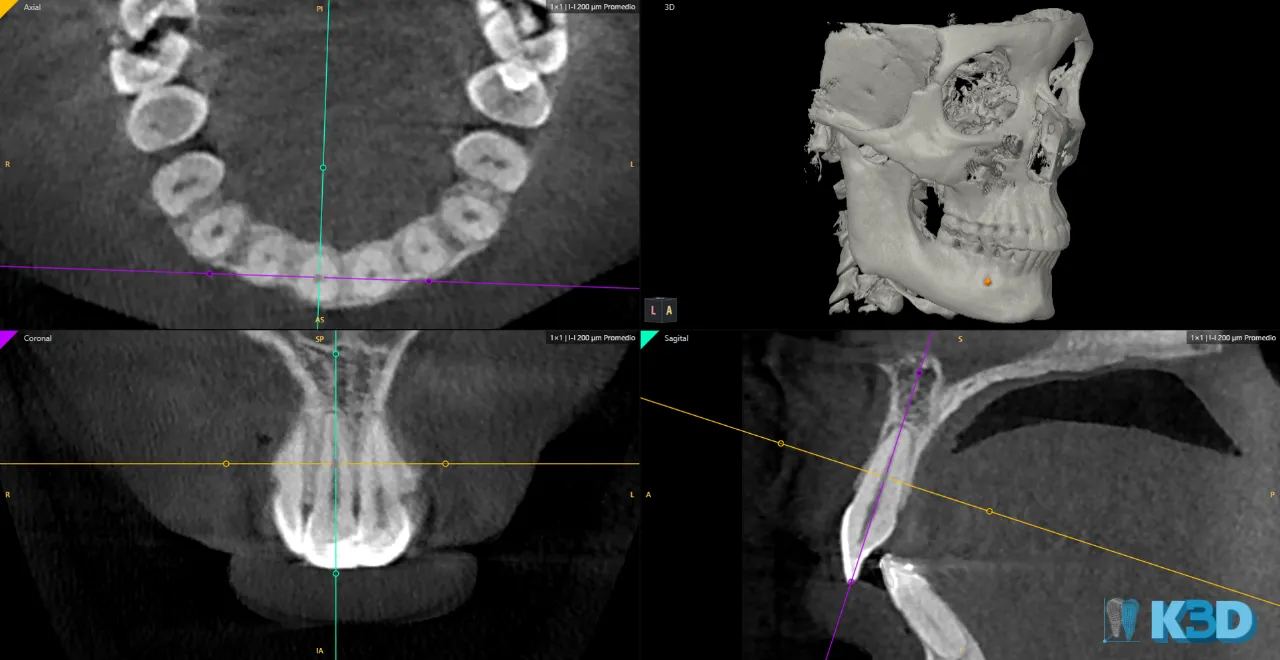
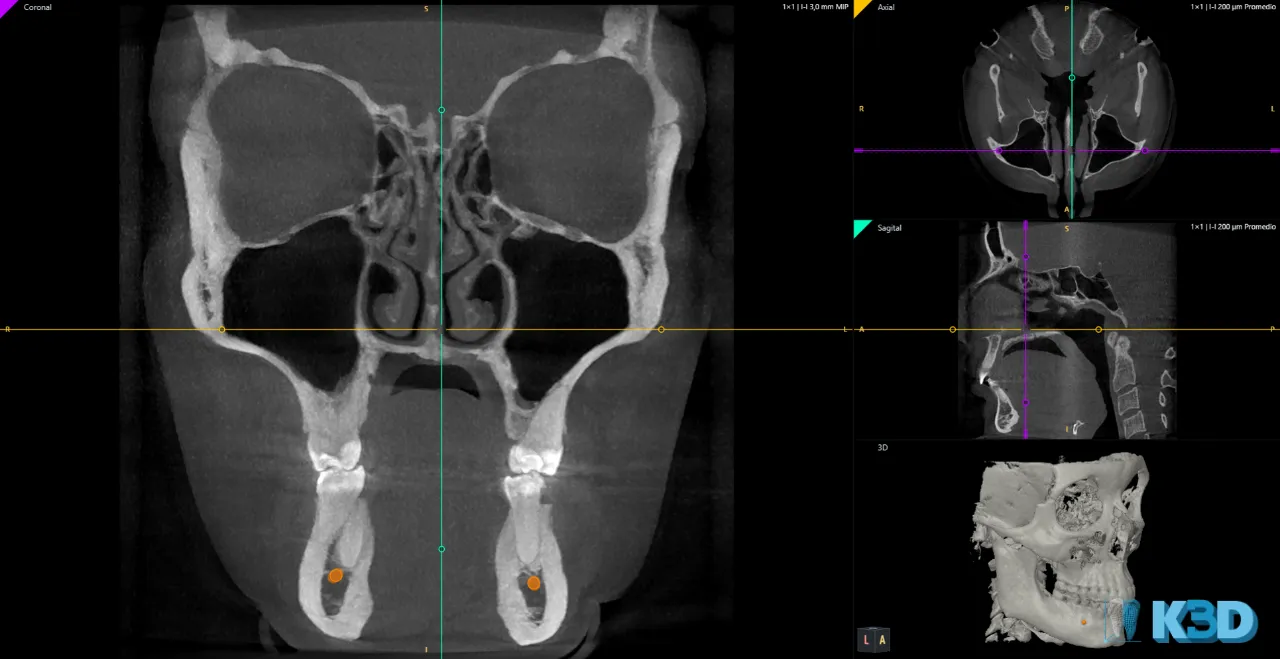
Synchronized axial, coronal and sagittal slices, with slab thickness, MIP and multislice.
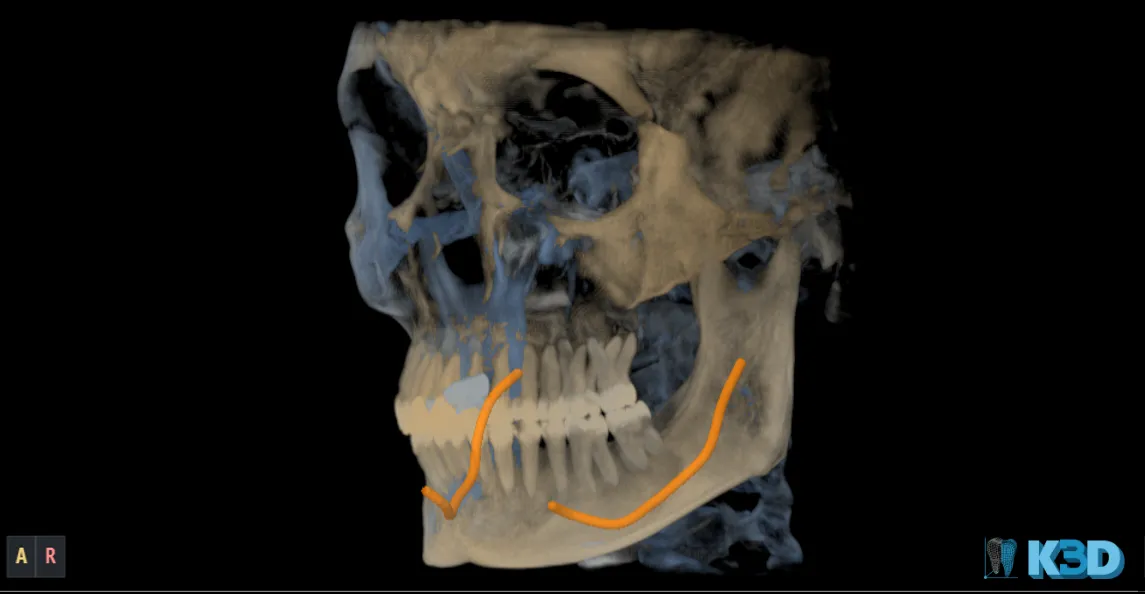
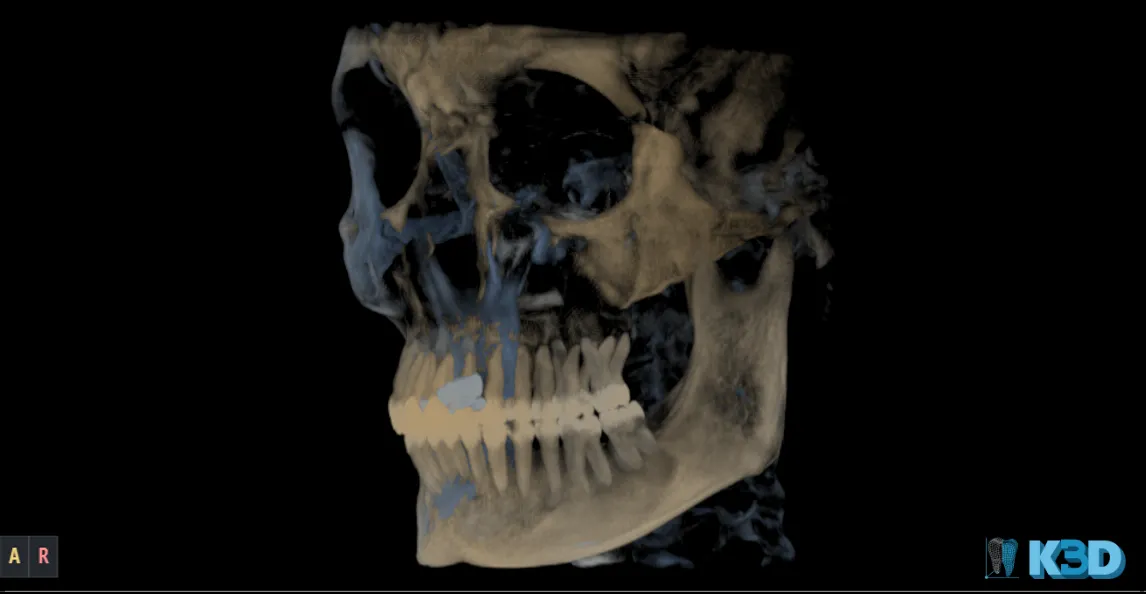
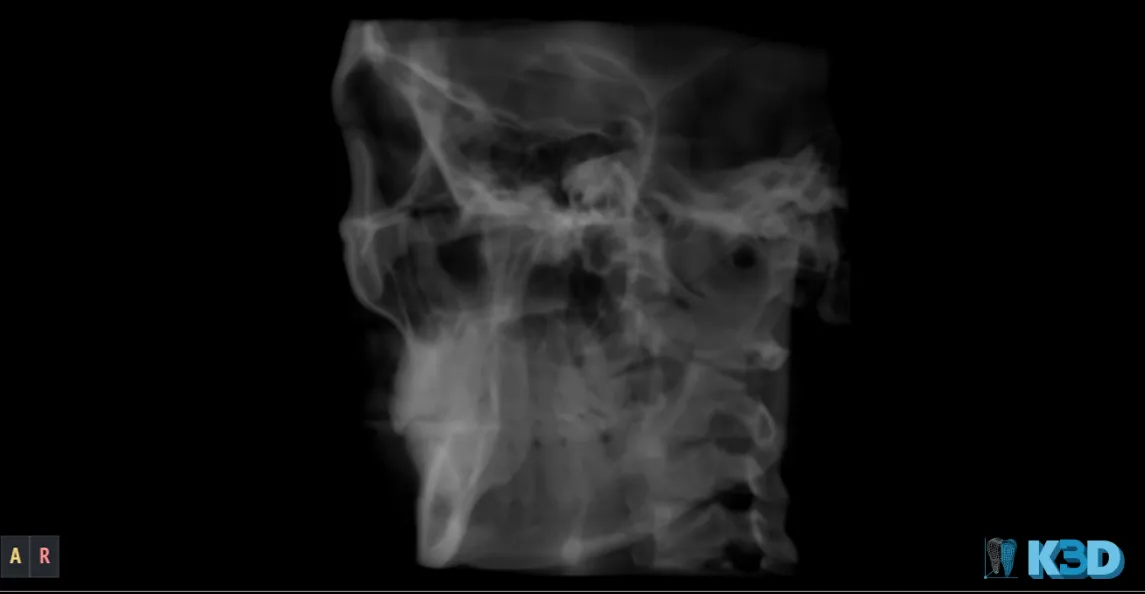
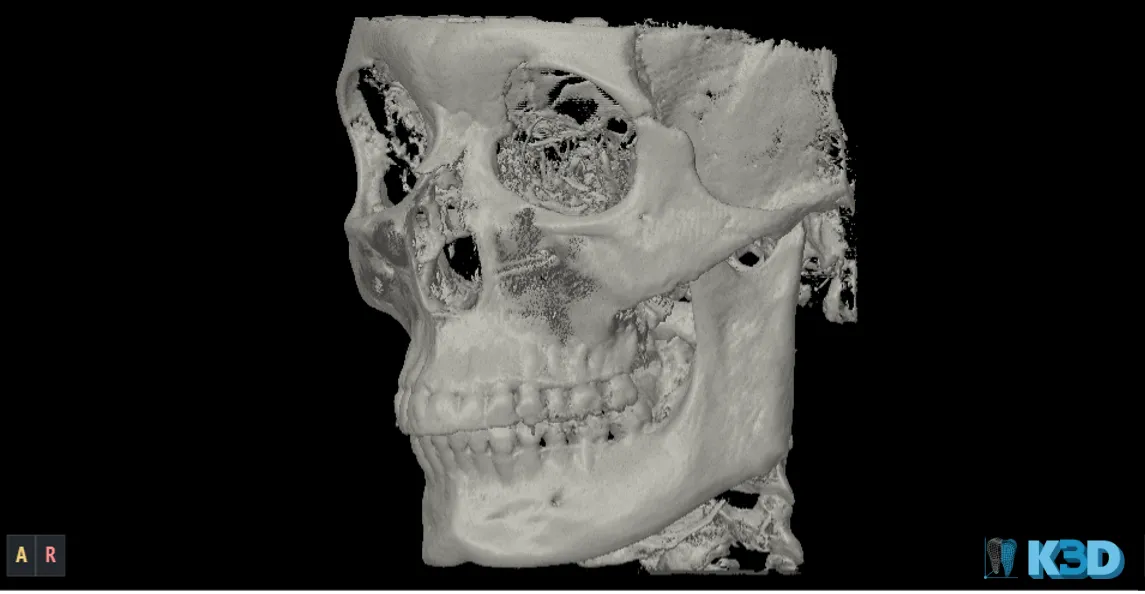
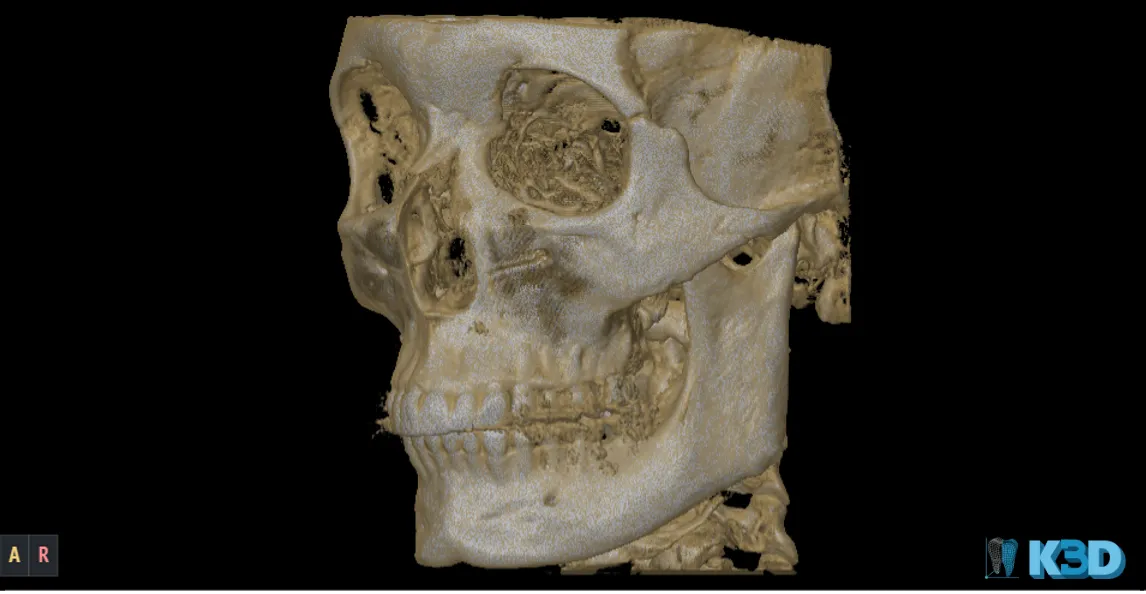
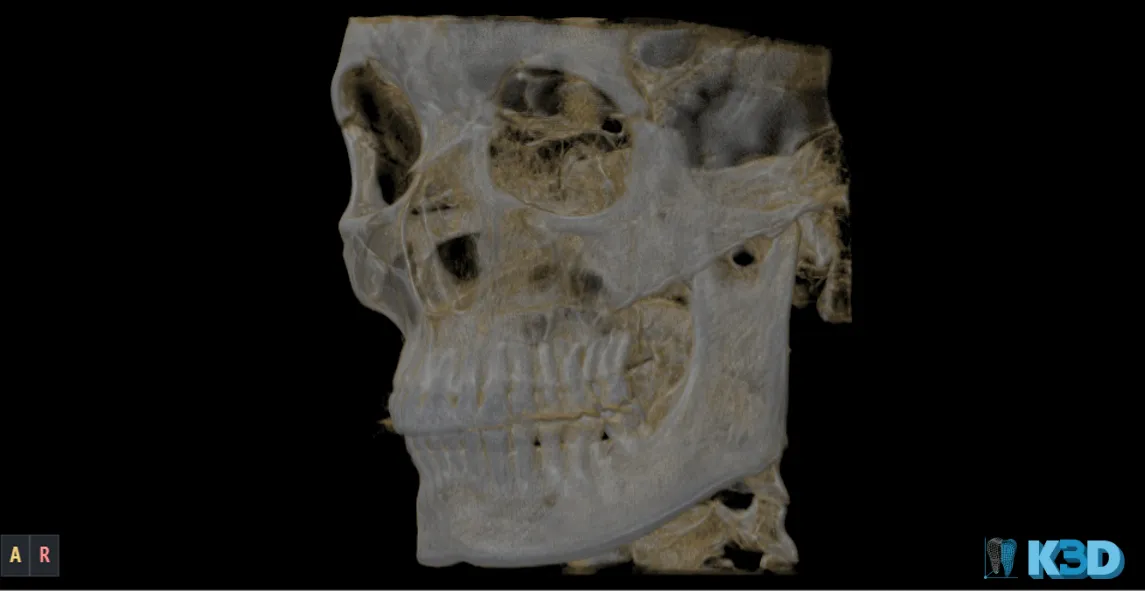
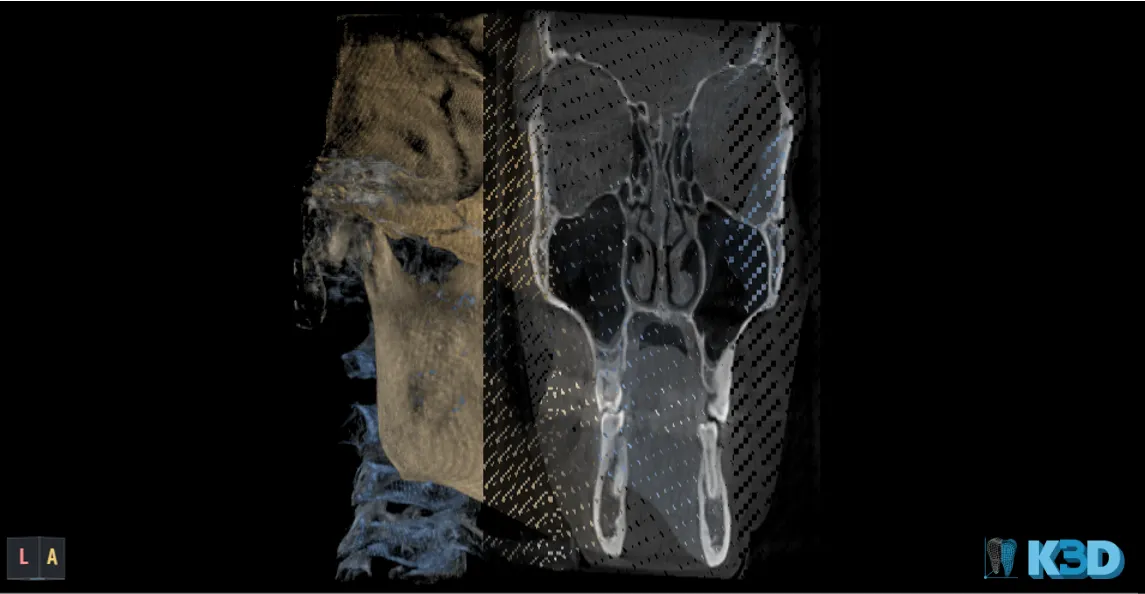
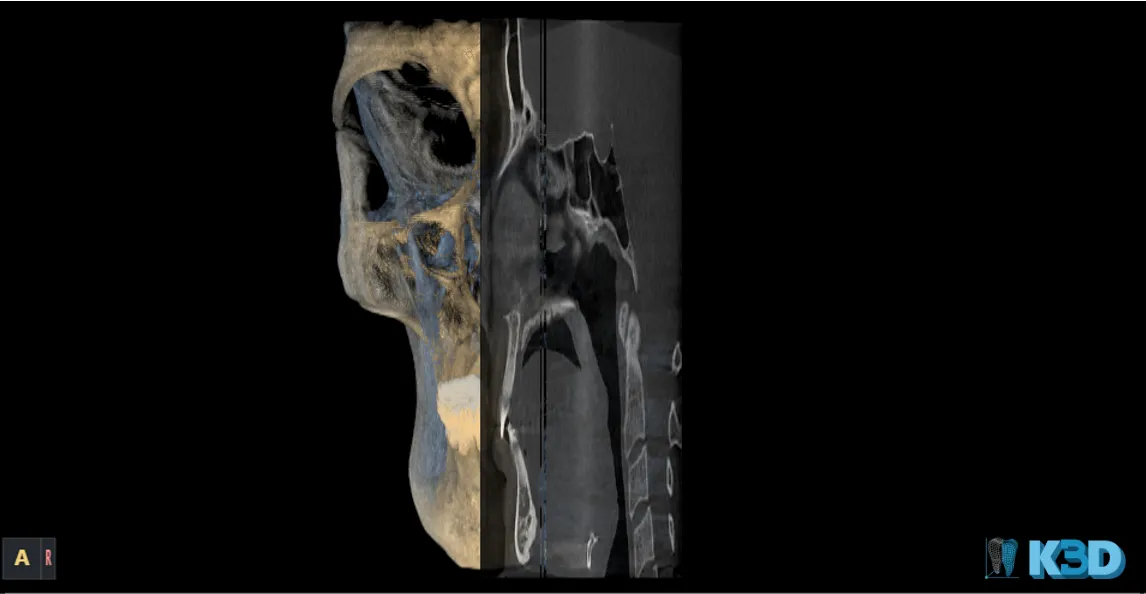
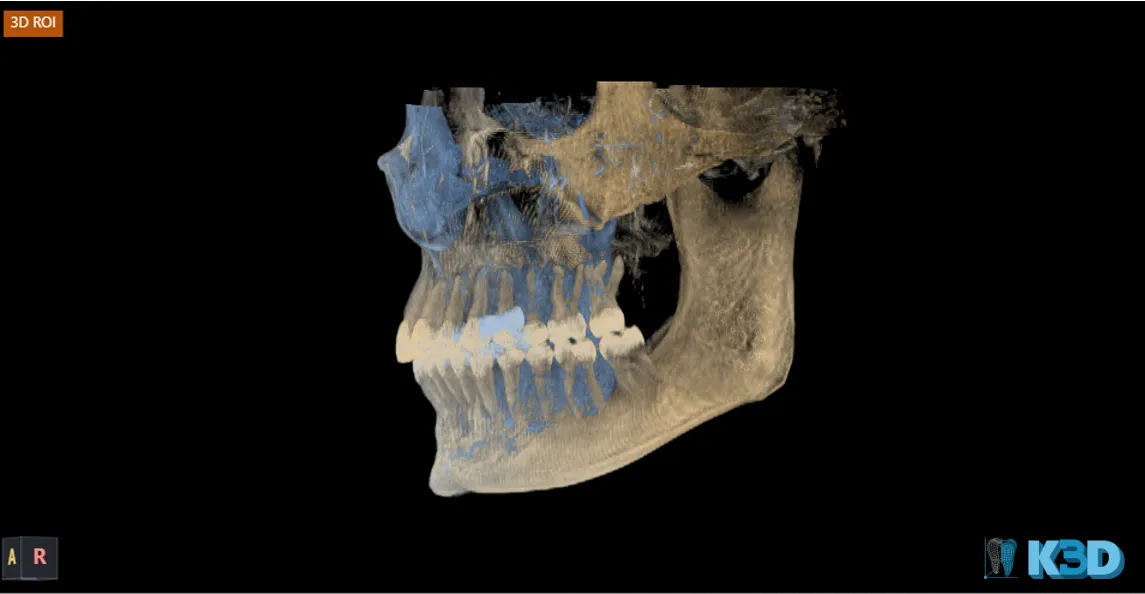
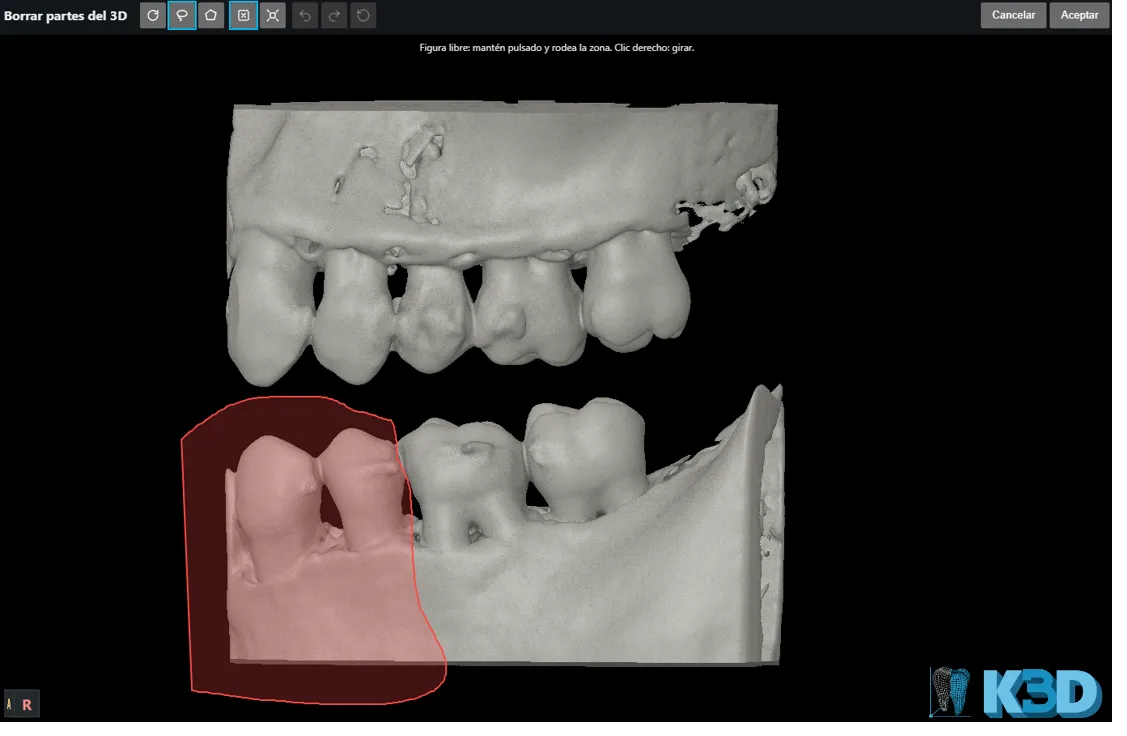
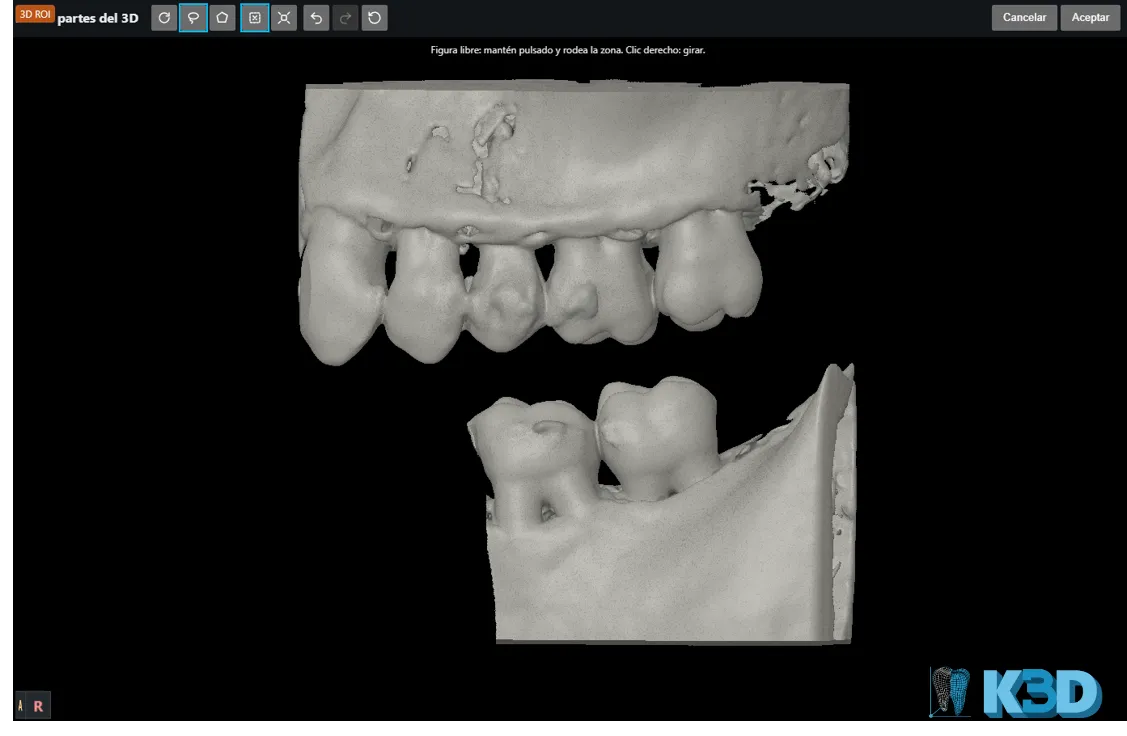
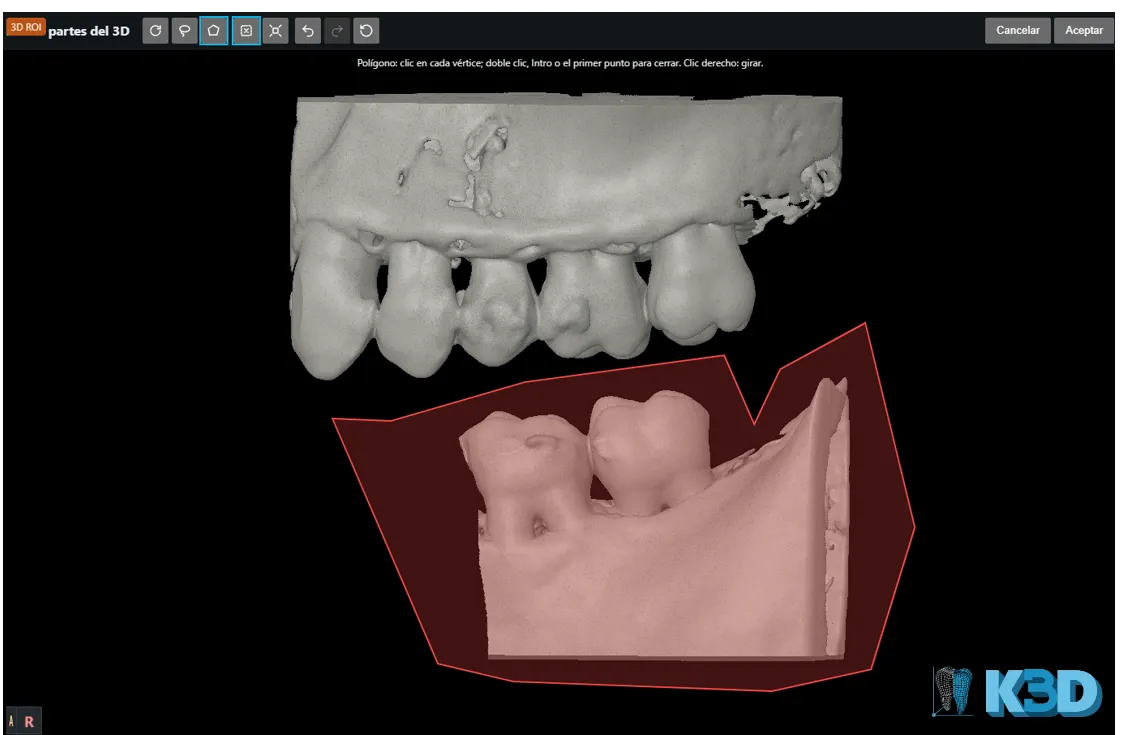
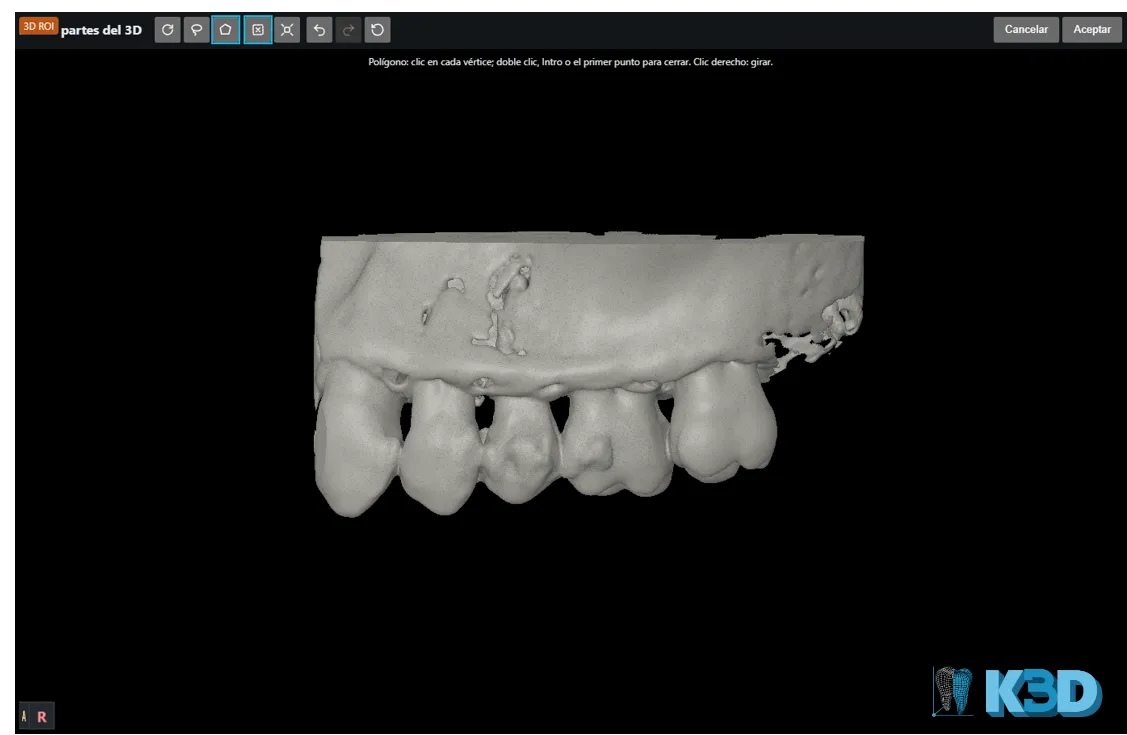
3D
Surface, X-ray (MIP) and volume rendering, with region erasing.
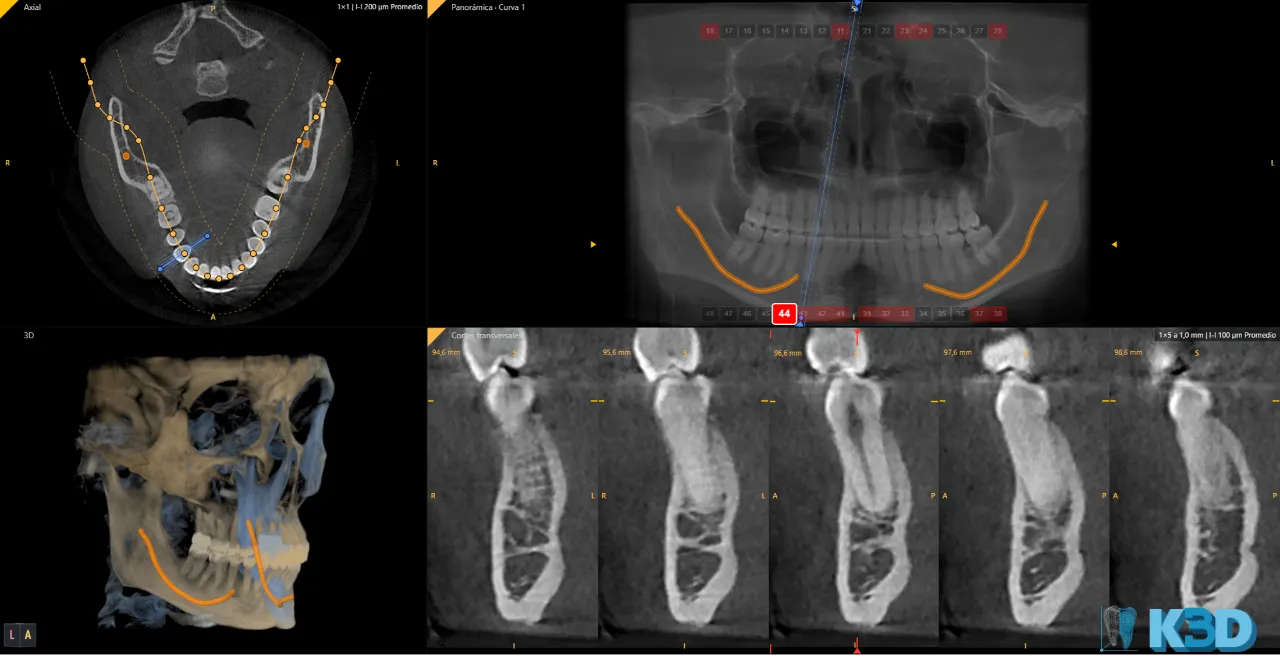
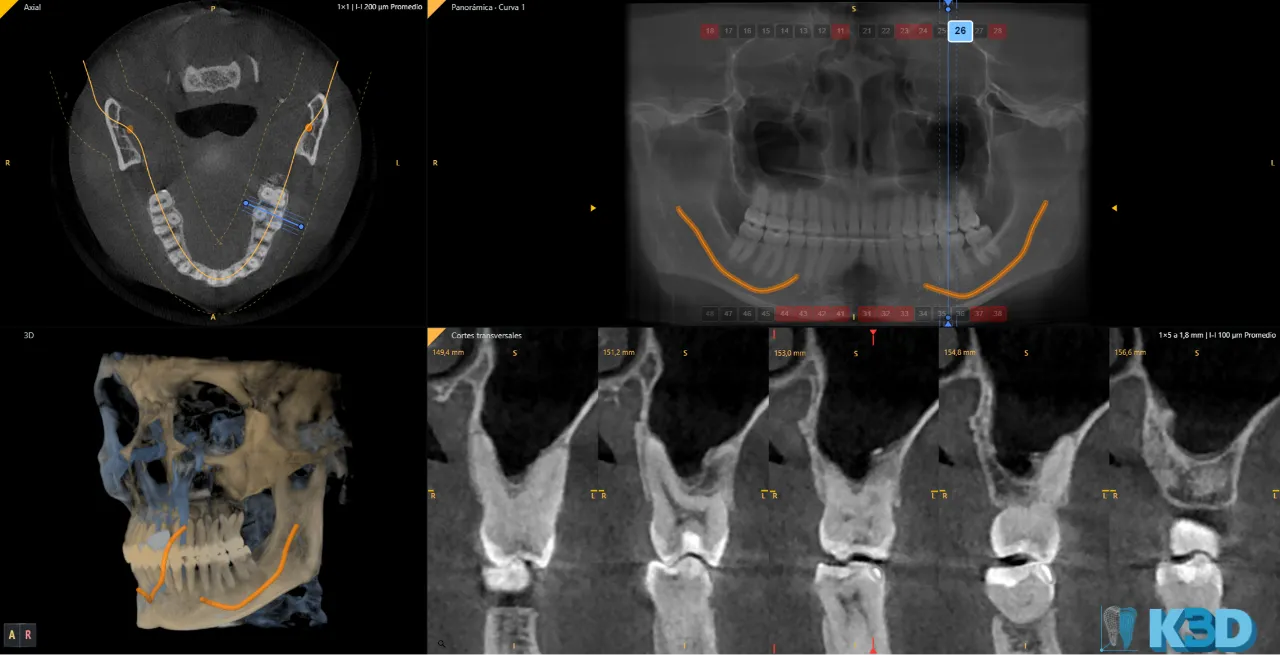
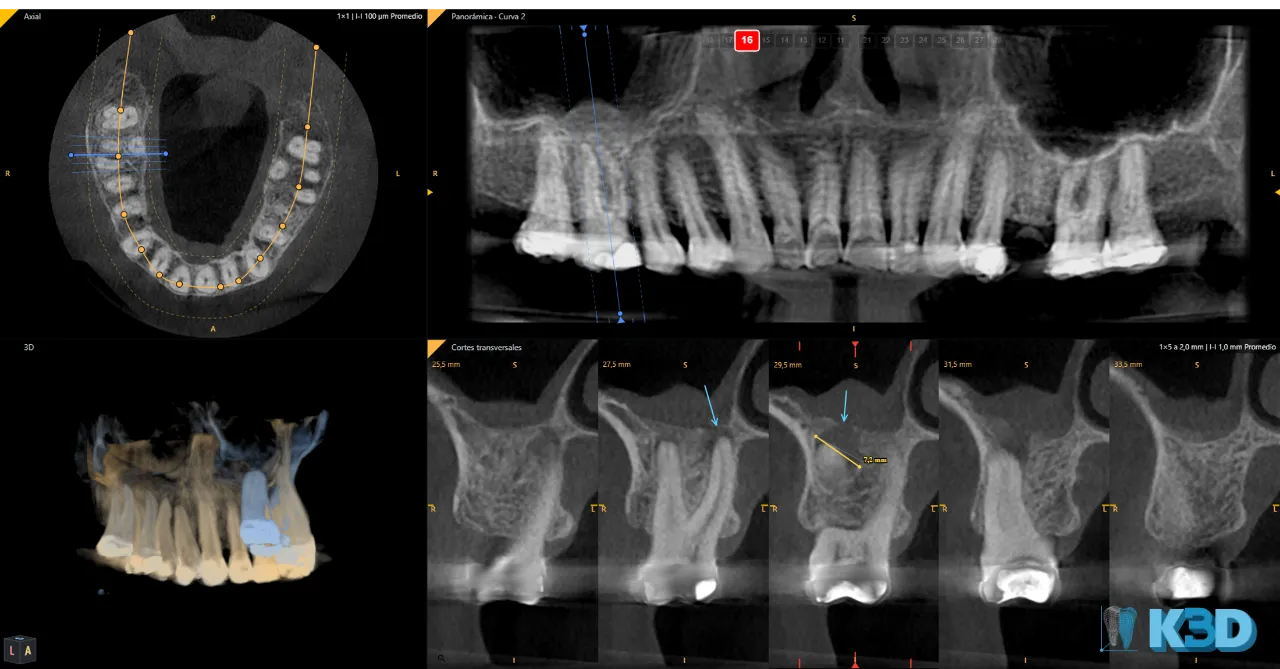
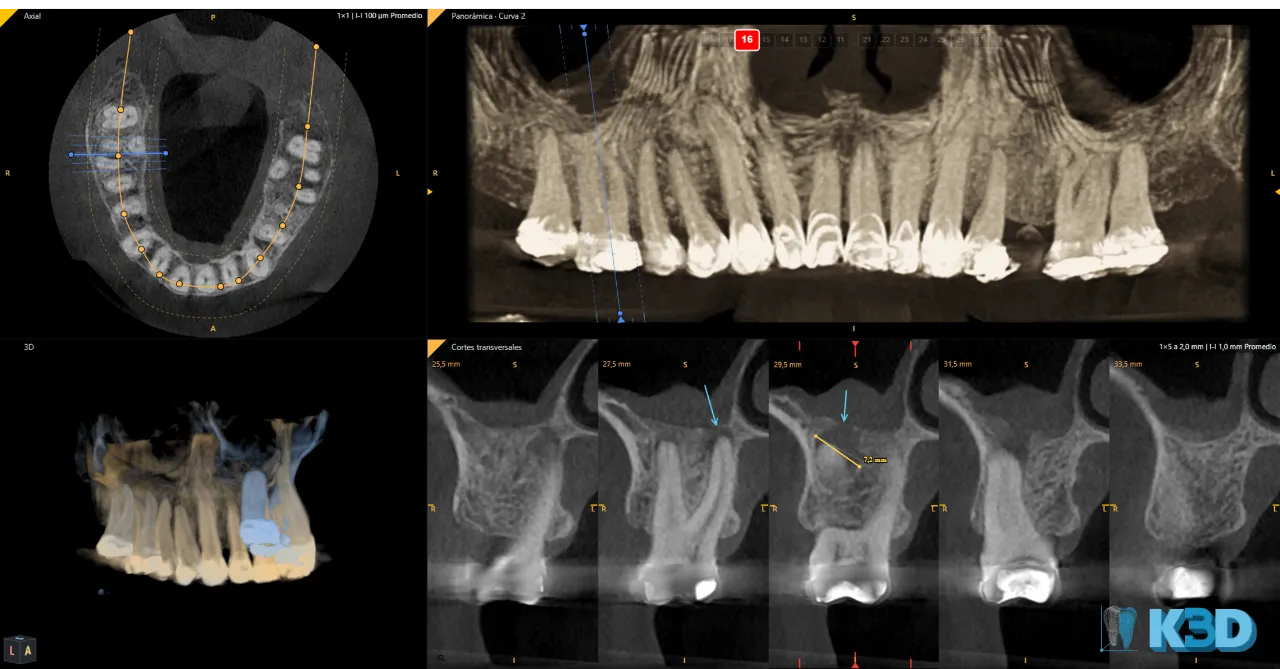
Curved panoramic and cross-sections
Automatic or manual curve; cross-sections perpendicular to the curve.
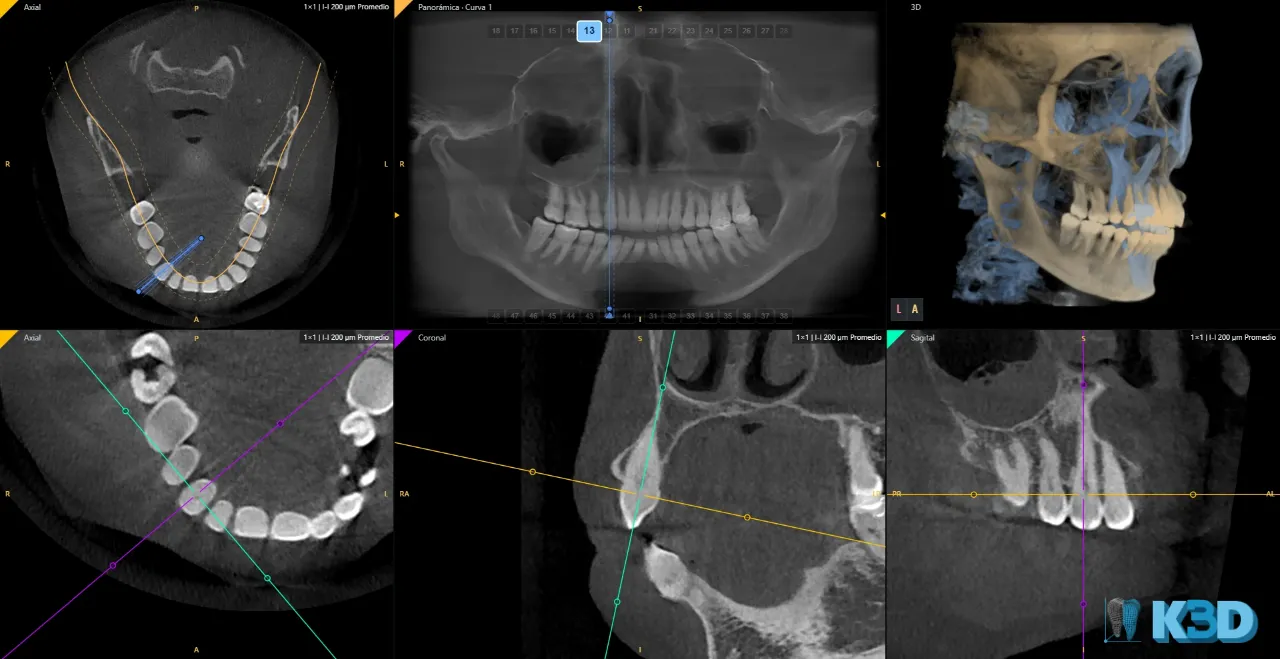
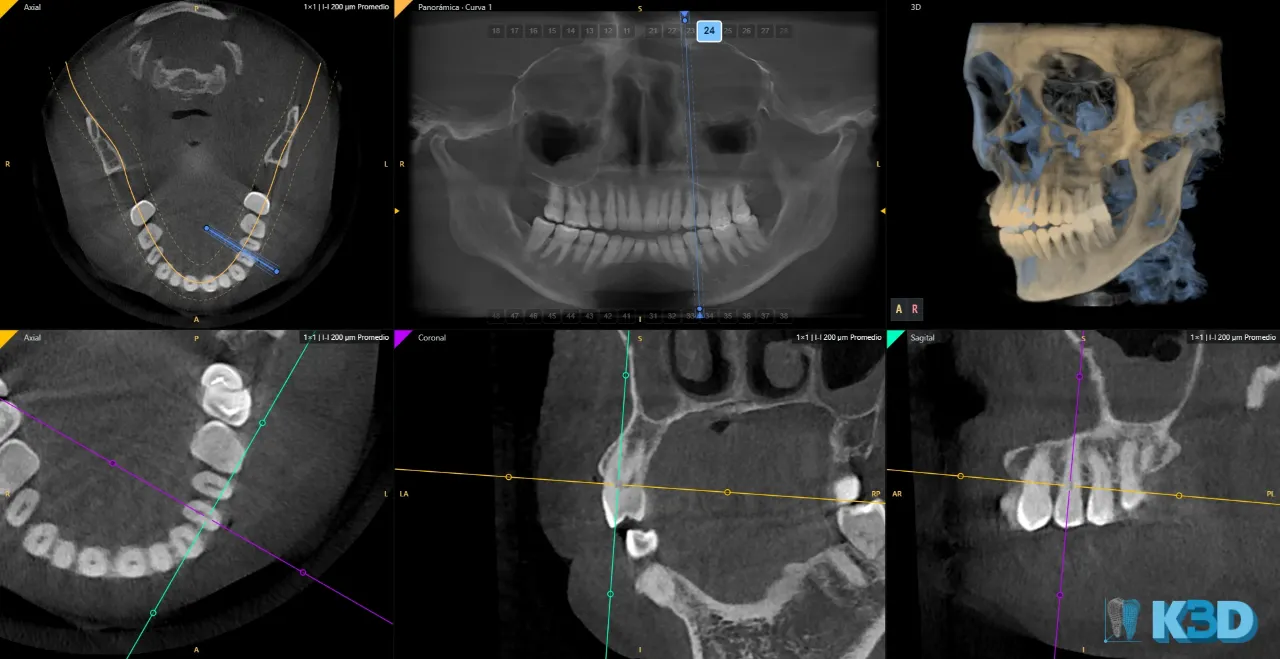
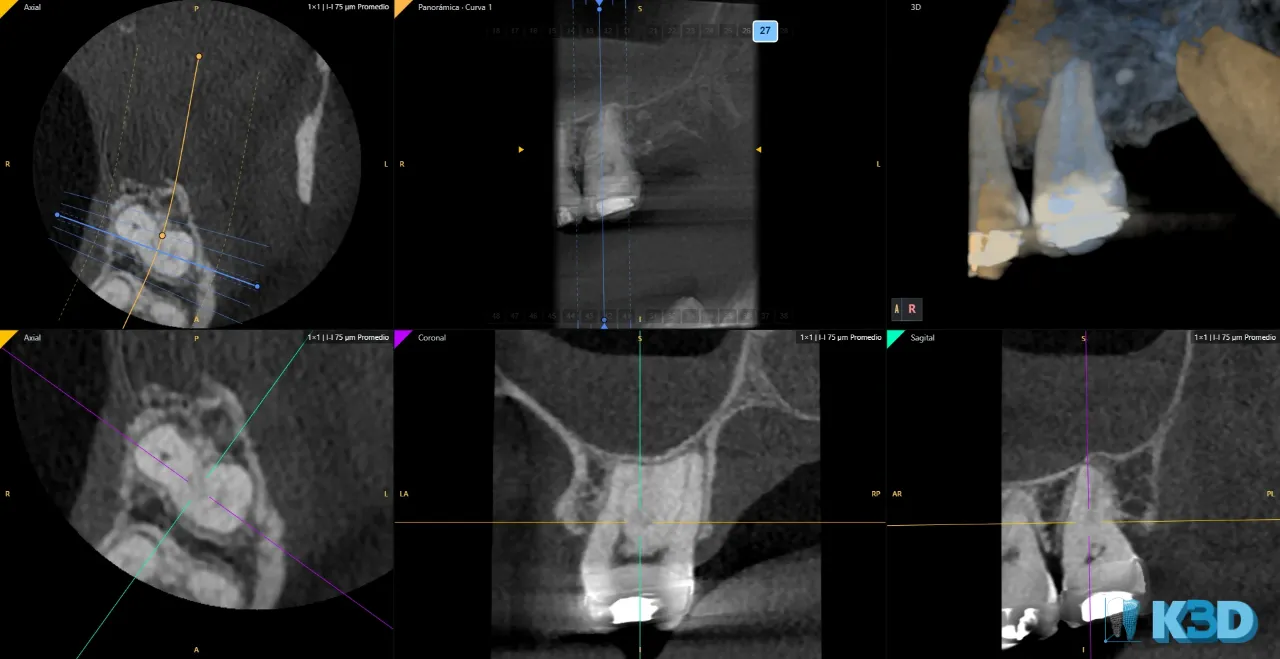
Dental viewer
Panoramic and MPR in the same window.
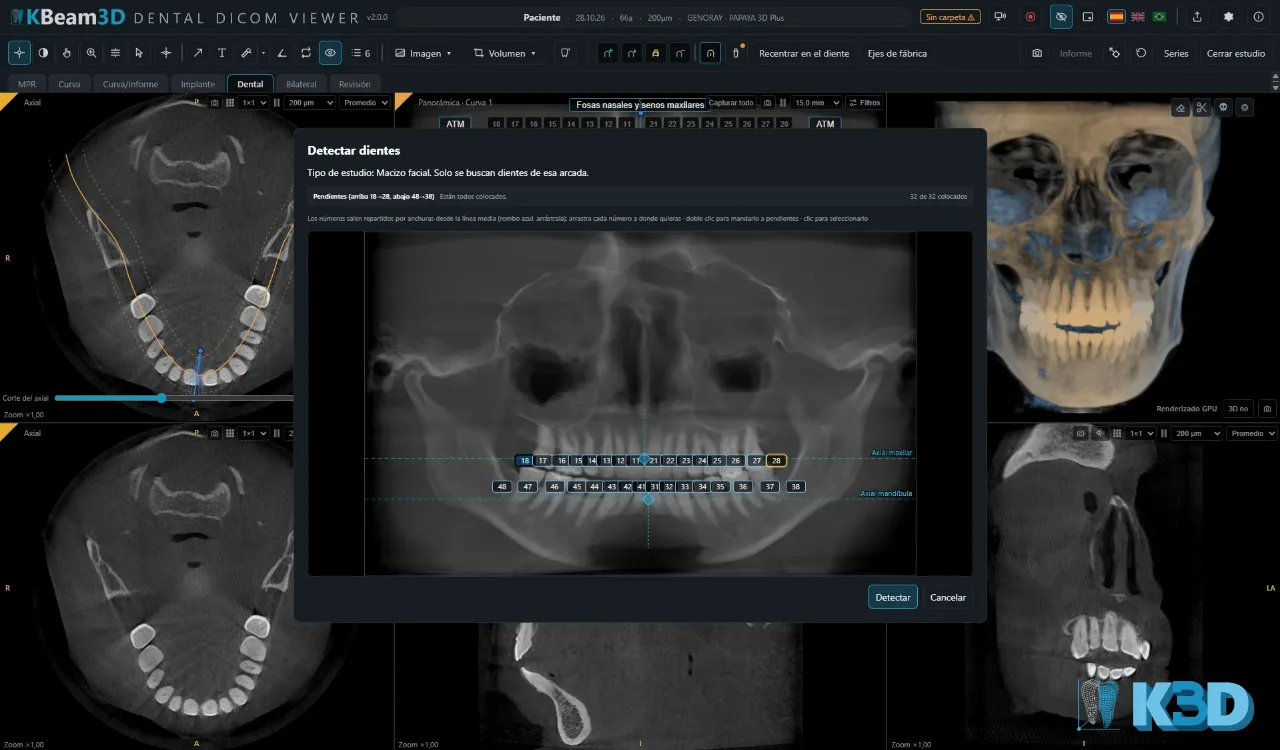
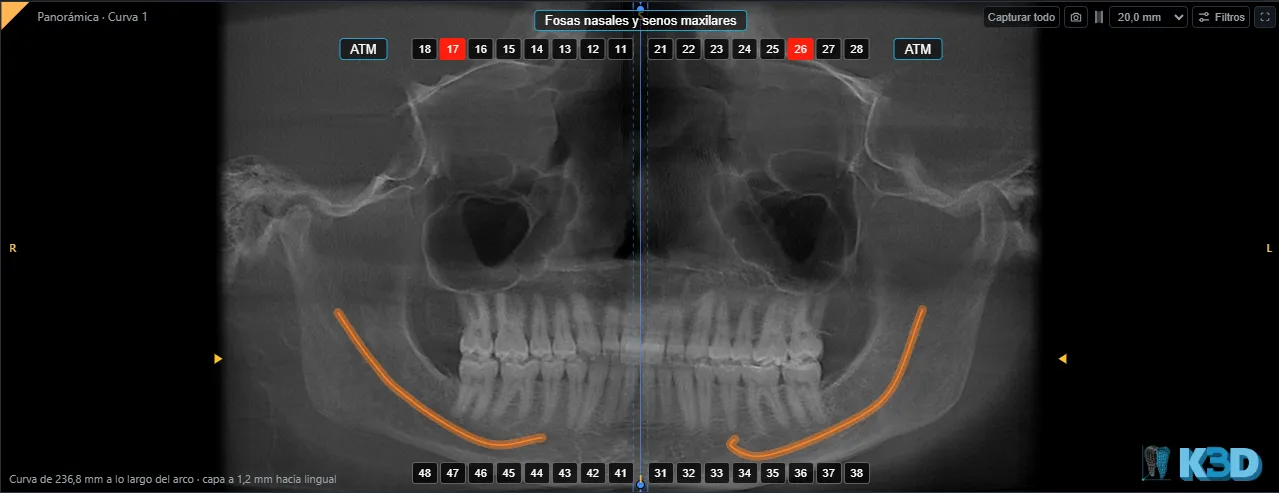
Tooth position
Detects and saves your slices for each tooth or observed structure.
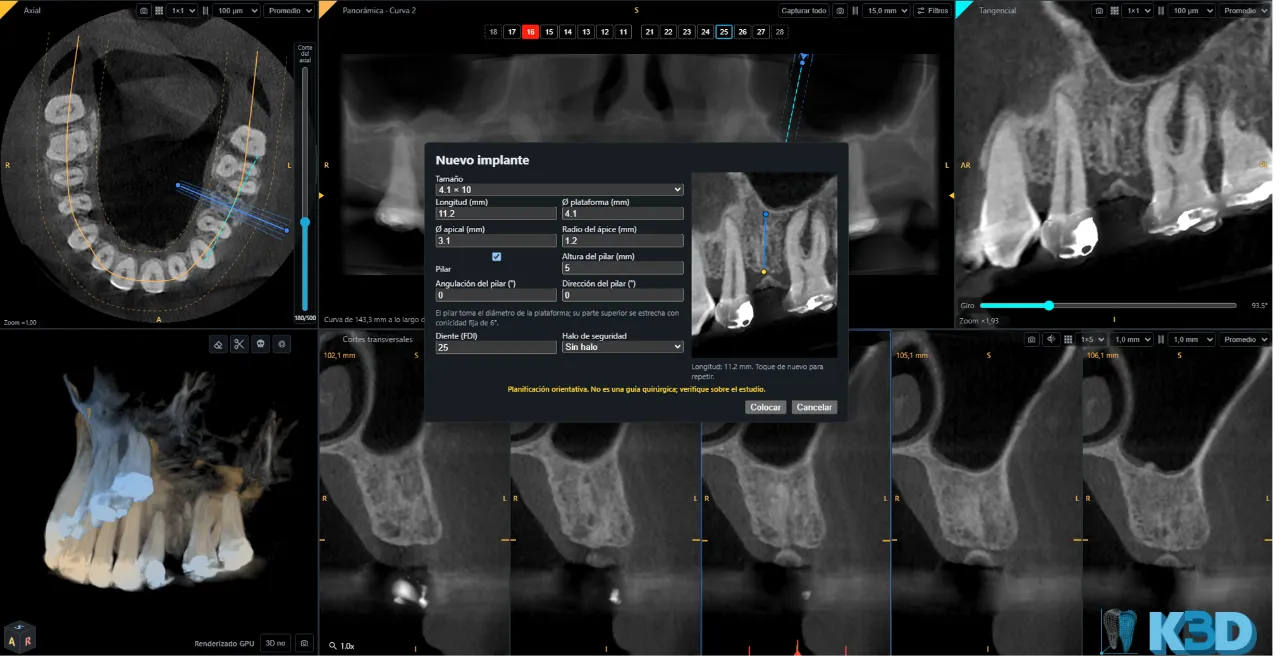
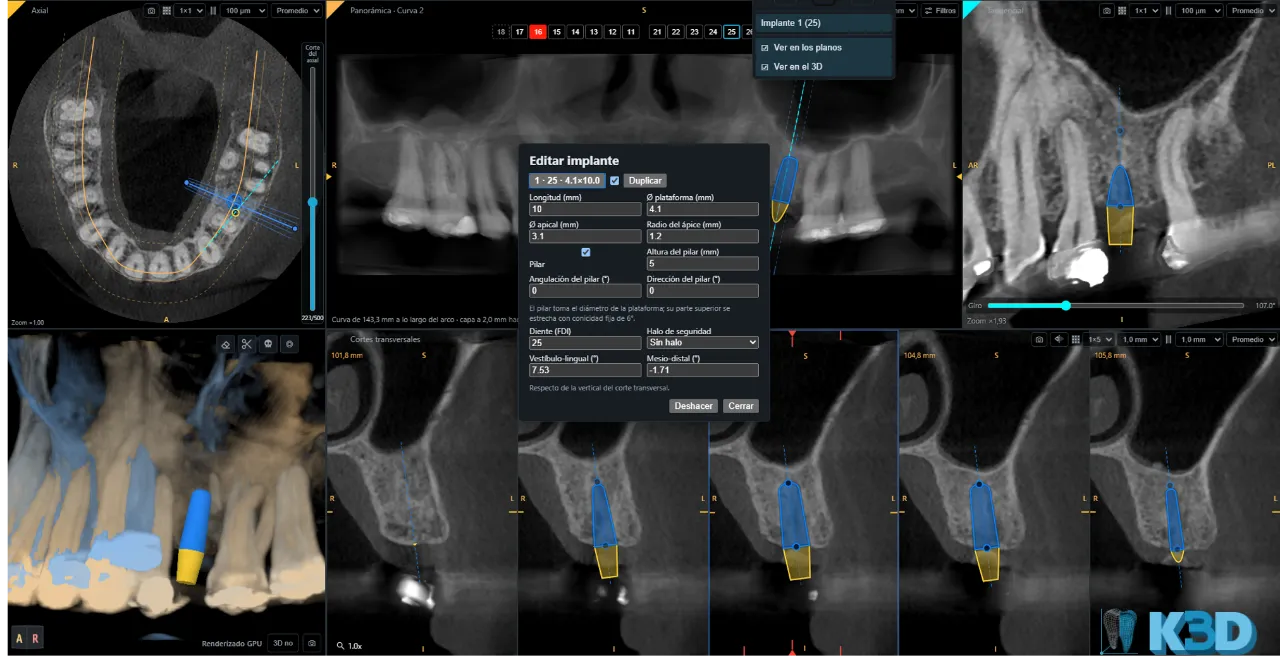
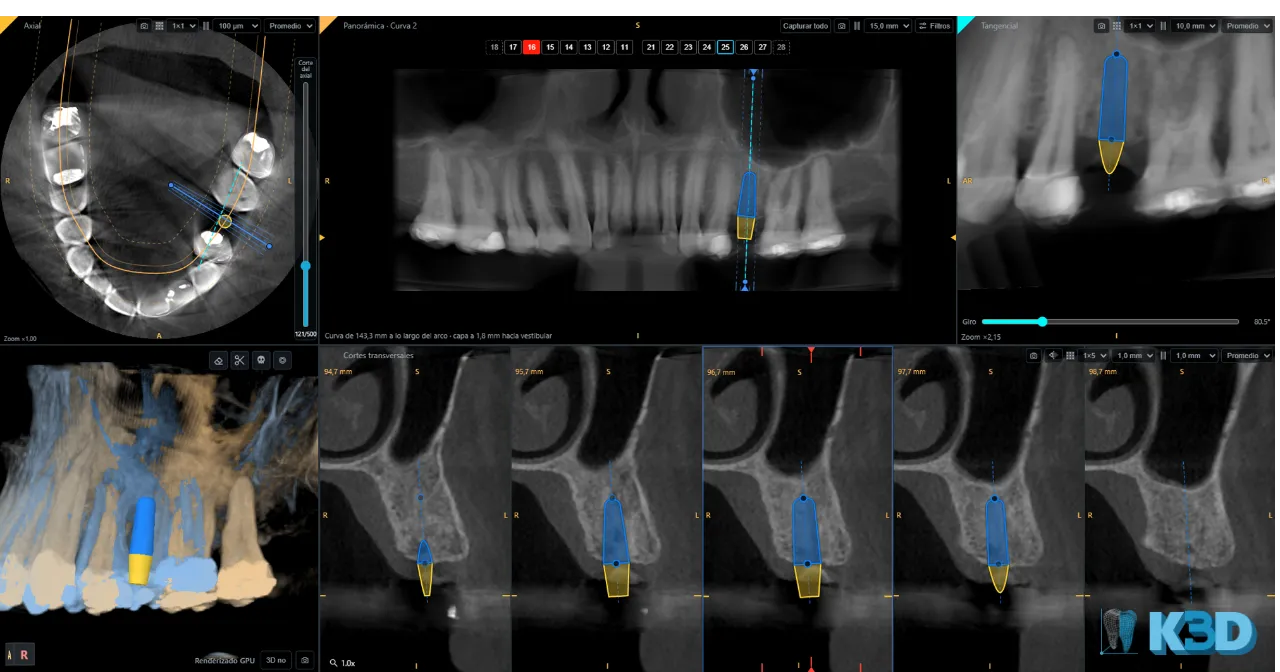
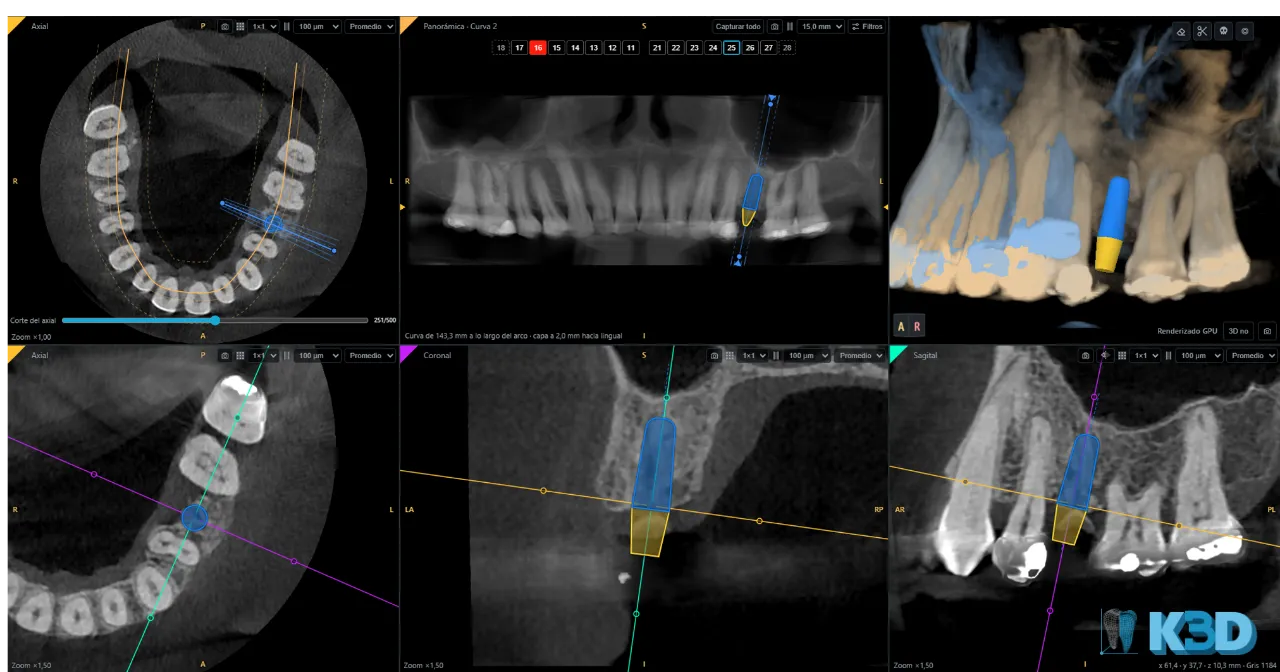
Implants
Plan your implants quickly, wherever you are.
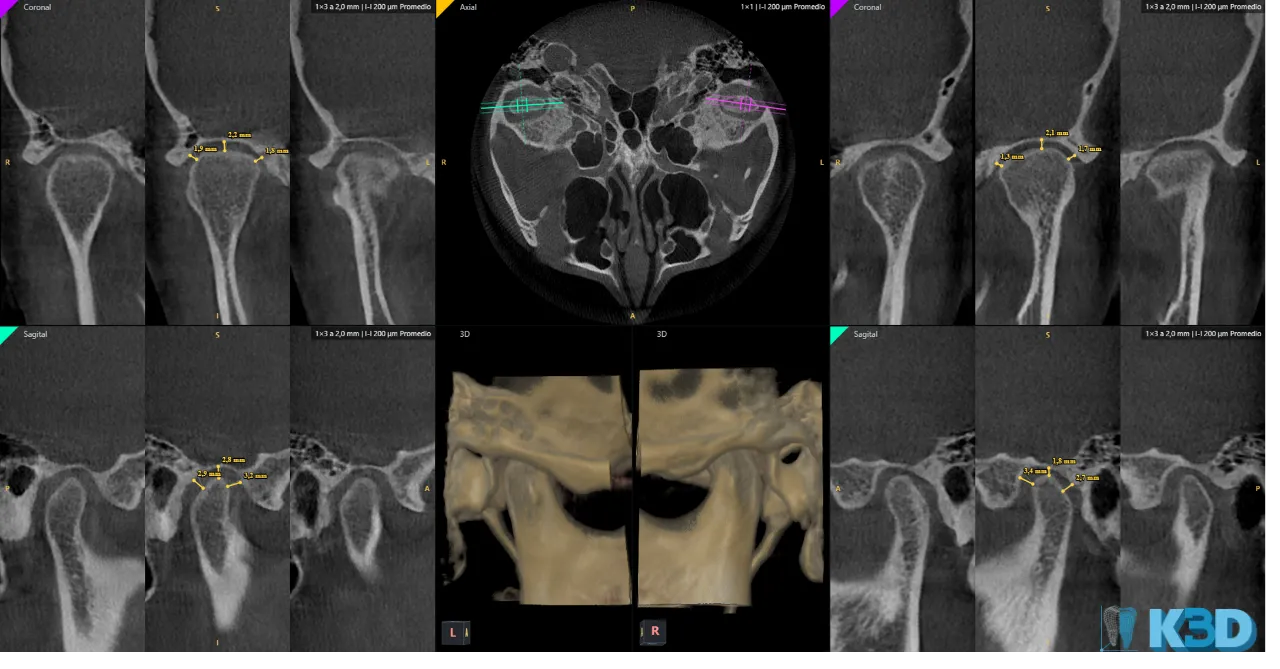
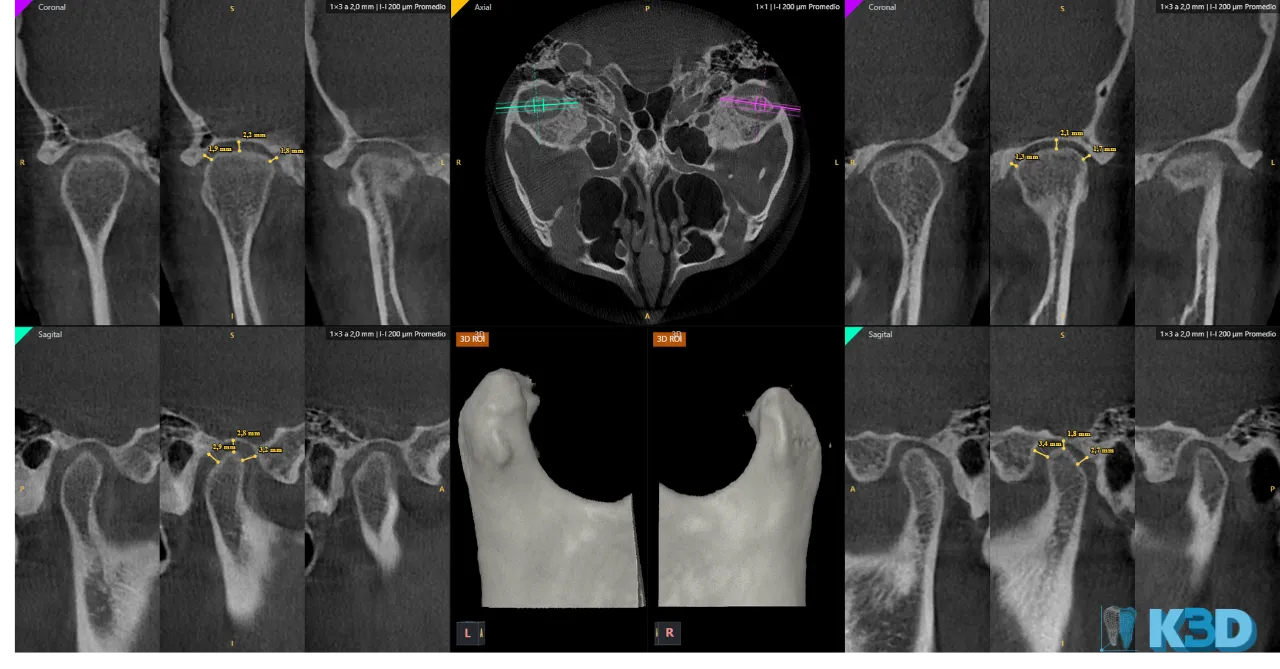
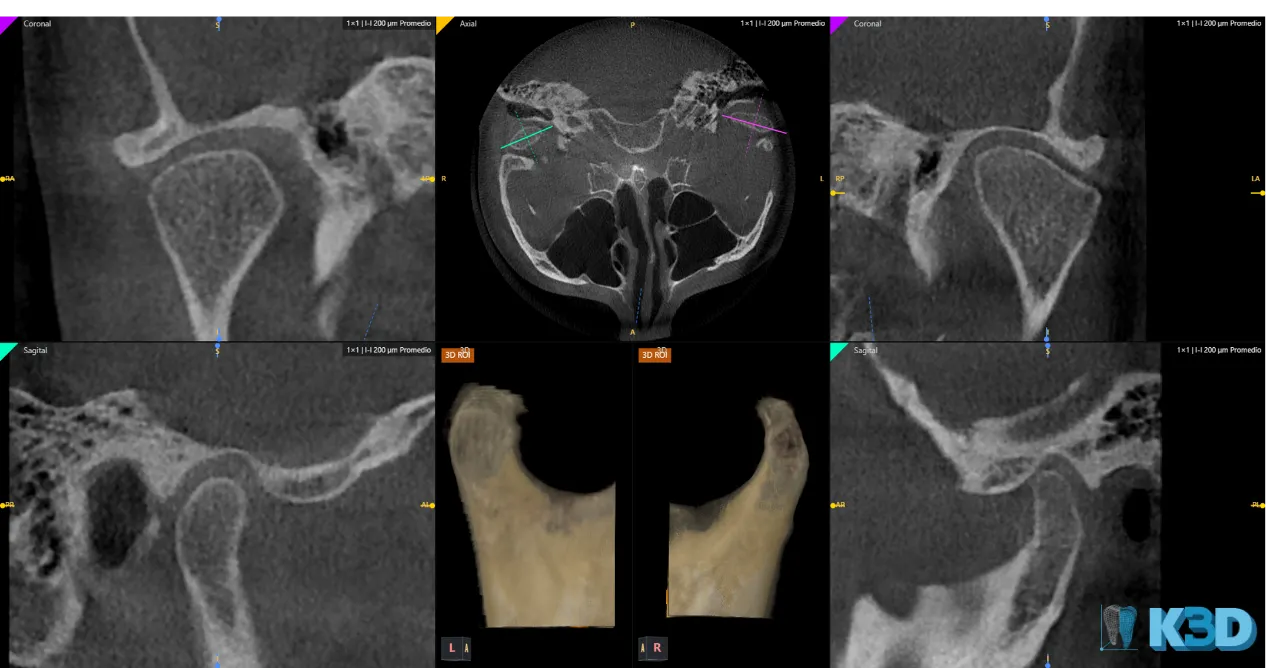
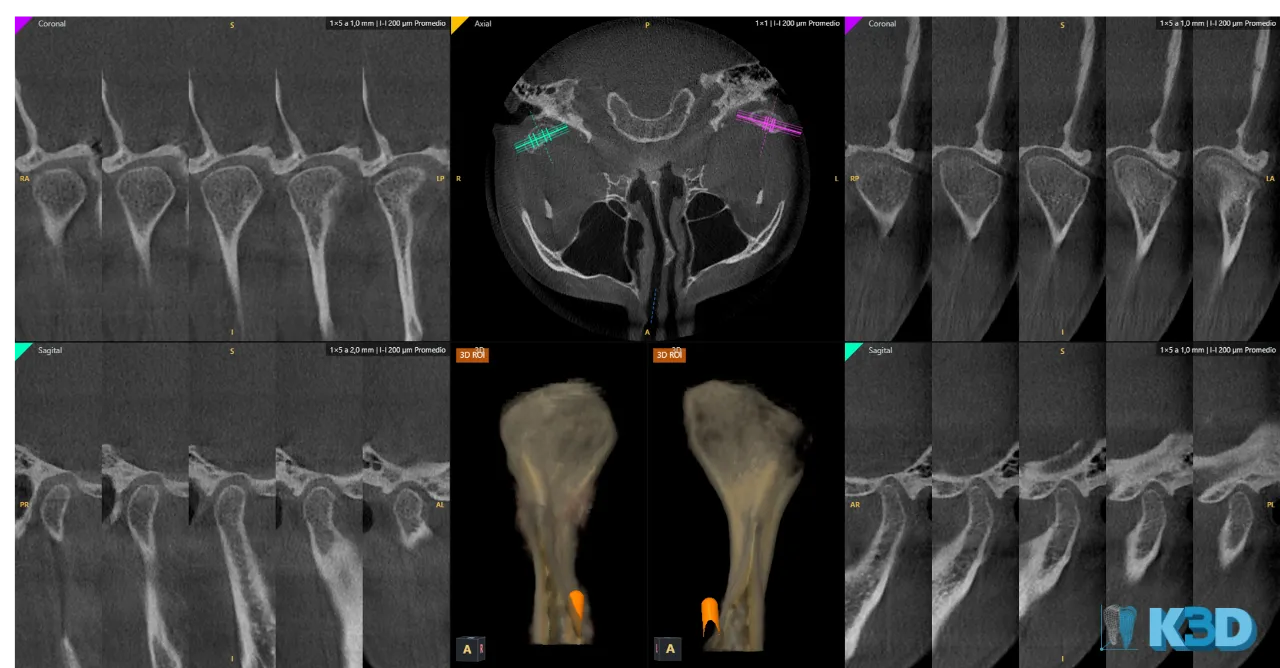
Bilateral
Compare both sides of the TMJ: coronal, axial and sagittal views of each condyle.
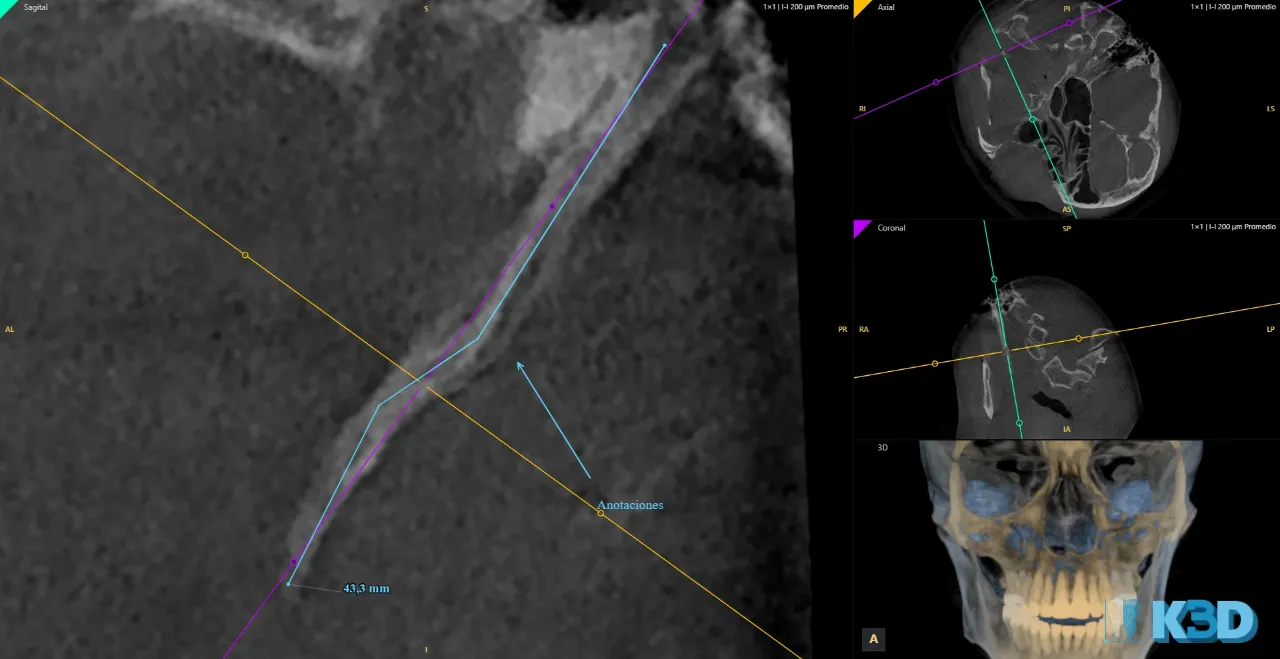
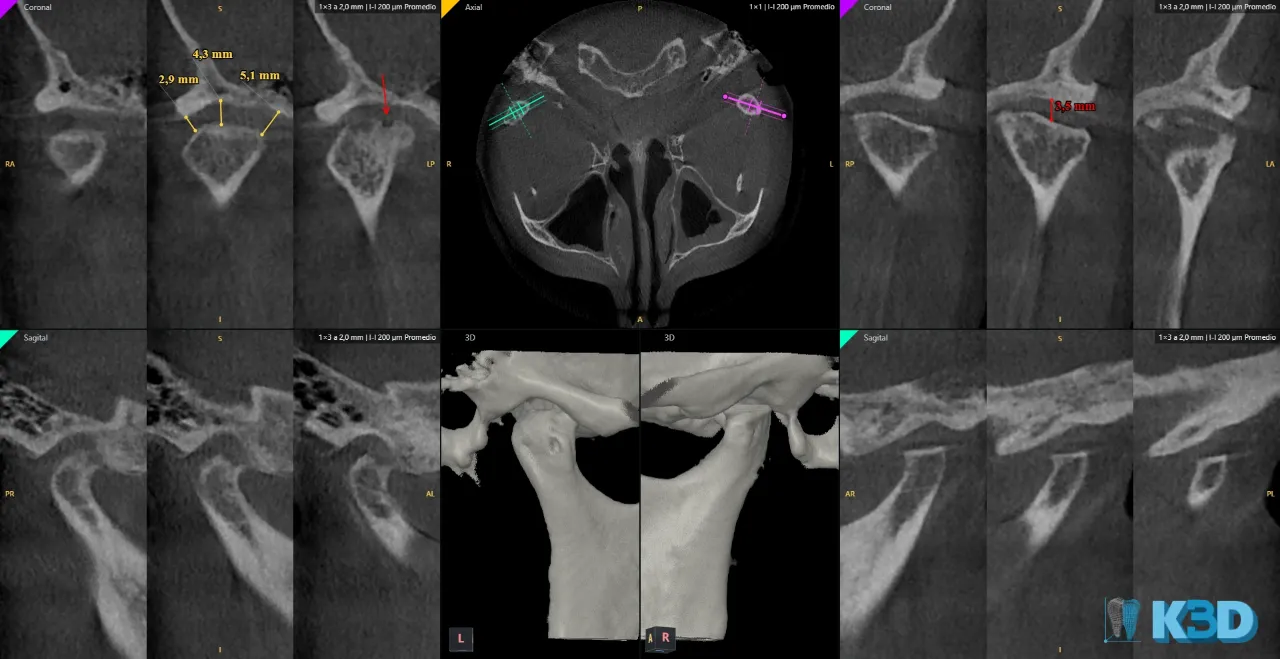
Measurements and annotations
Ruler, angle, polyline, arrow and text, in millimeters from the study spacing.
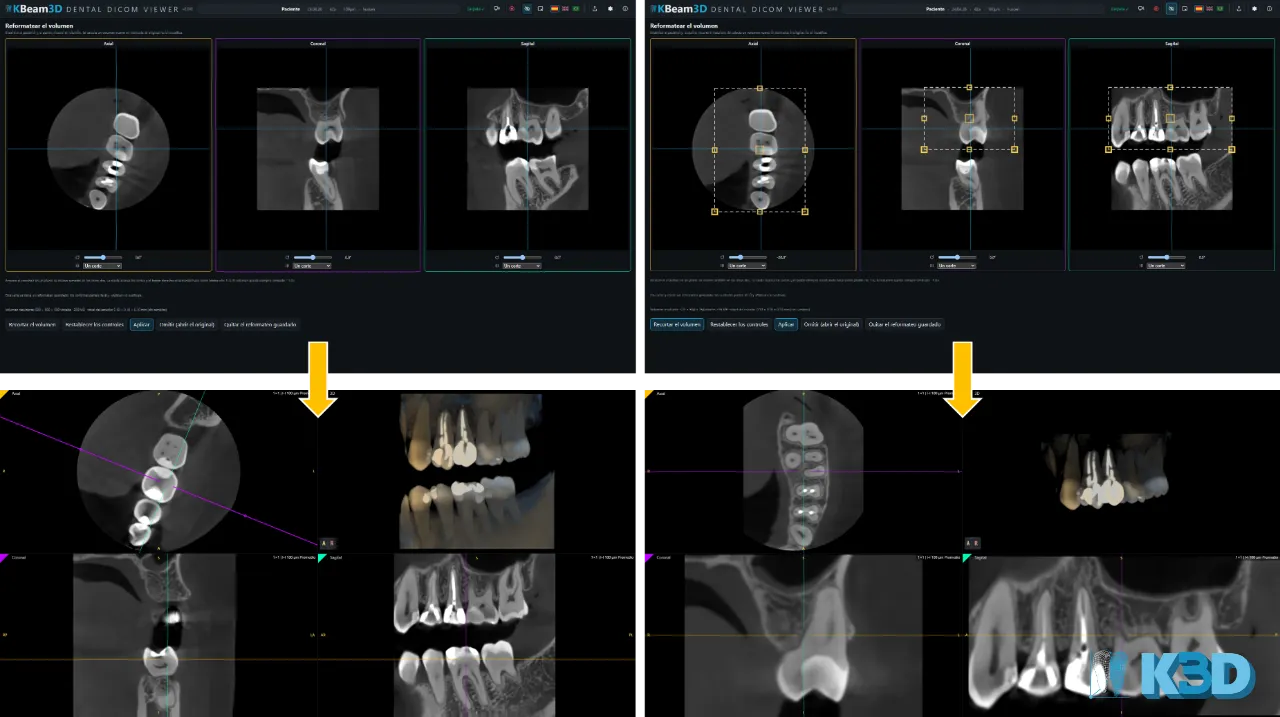
Reformatting
Straighten the patient with turn, tilt and inclination: a pure rotation, never a mirror.
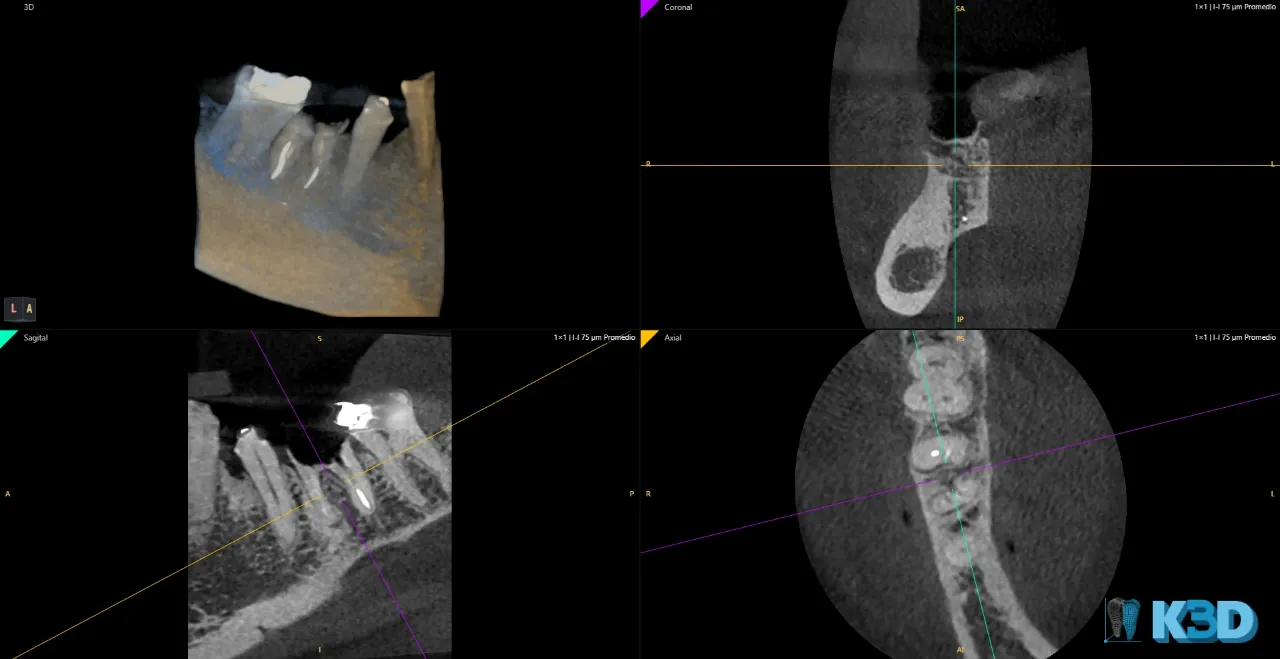
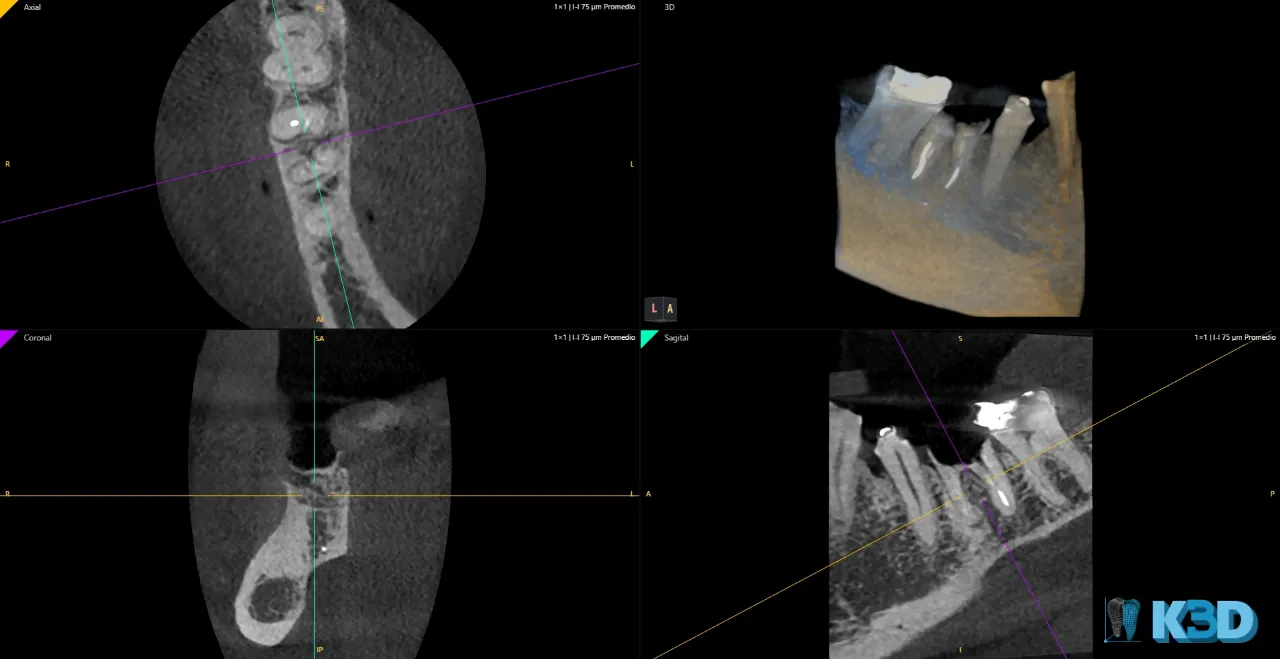
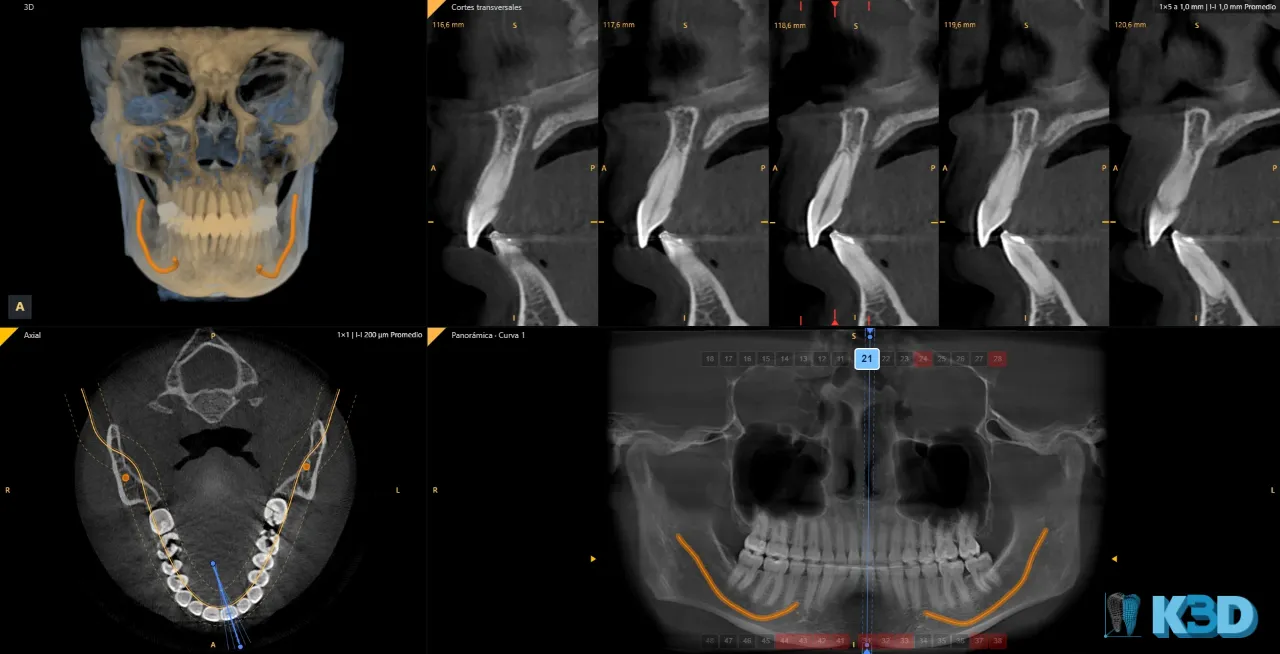
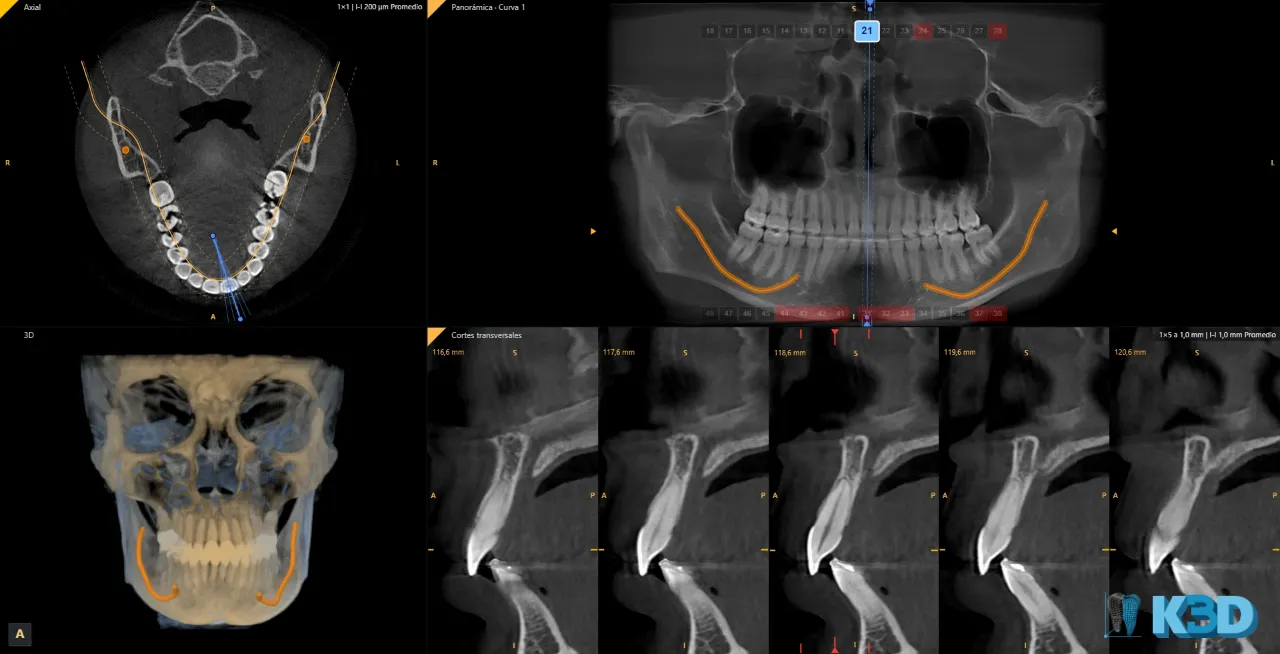
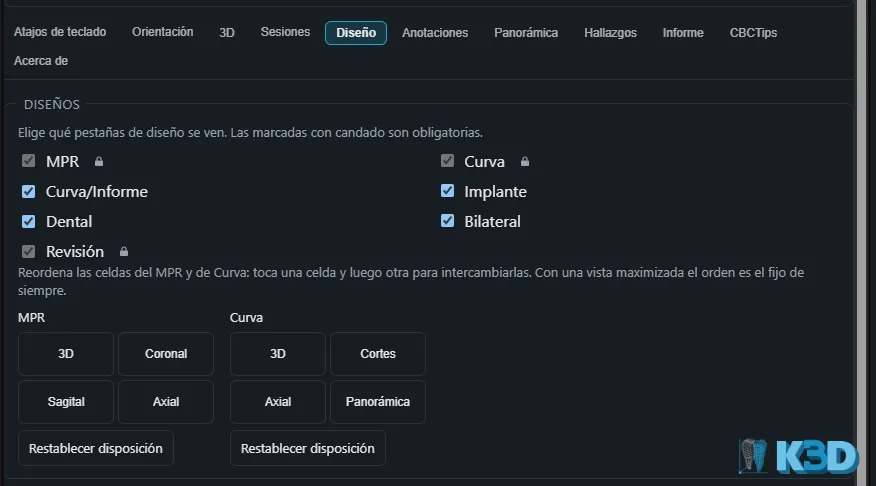
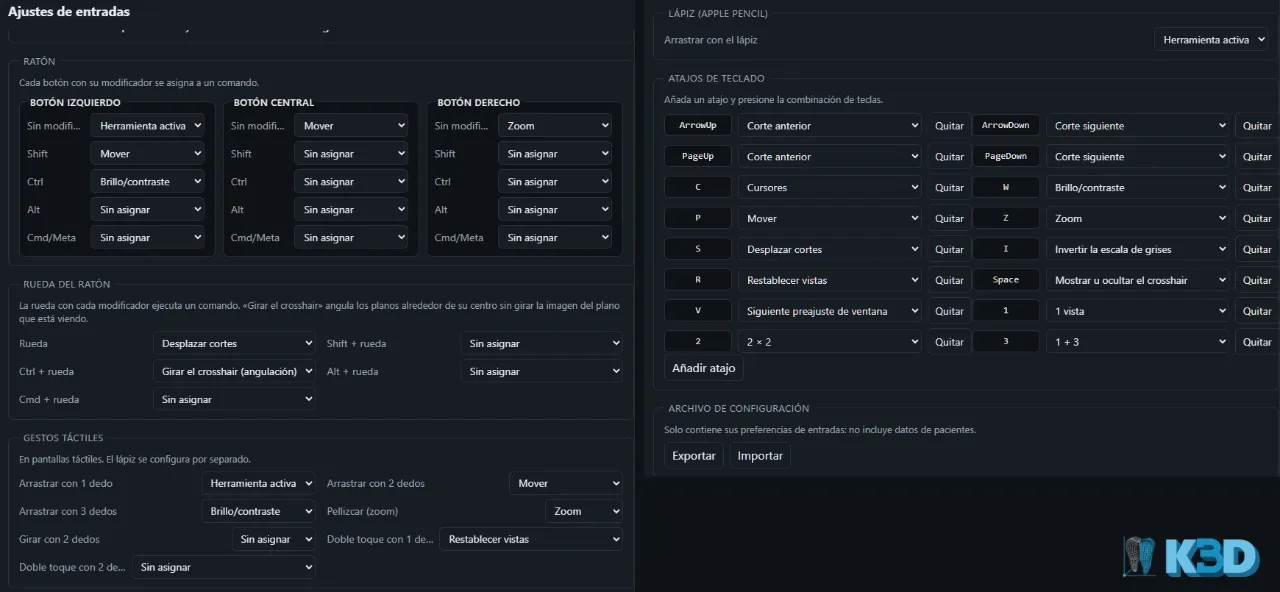
Customize your layout
Choose between several screen layouts and set the orientation of each plane in Settings.
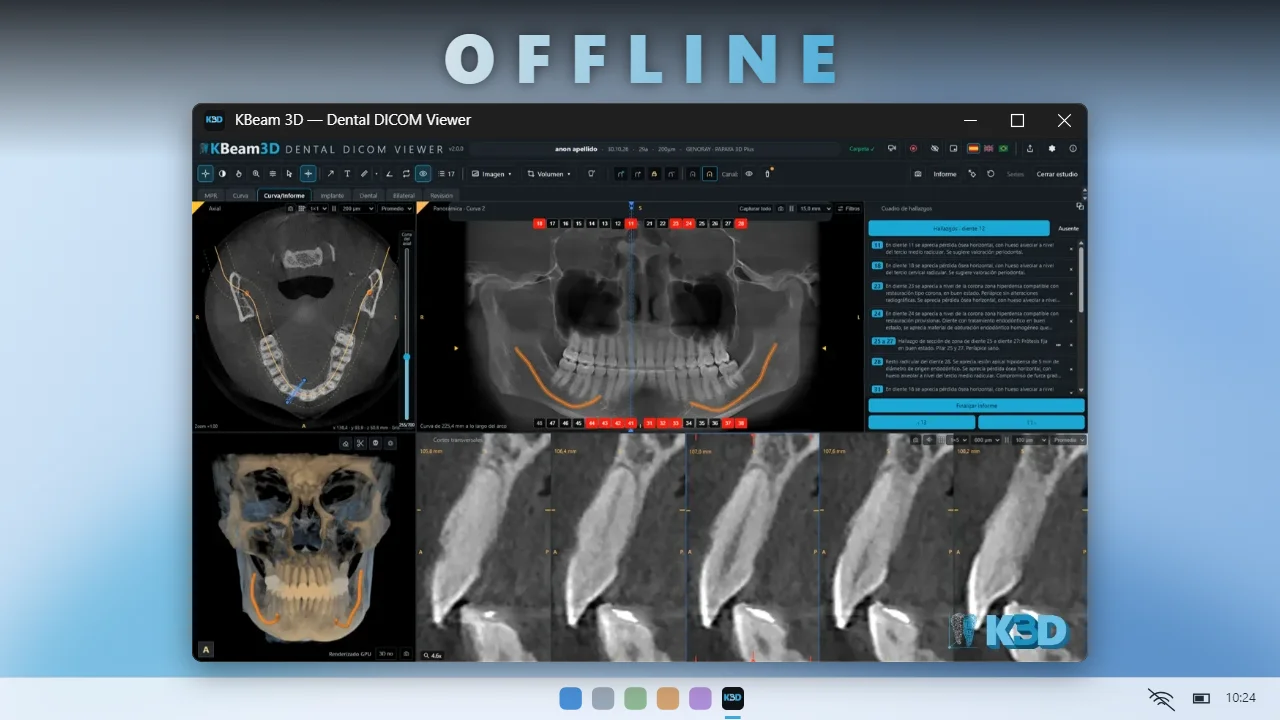
Works offline
Once installed as a web app, it works without internet.
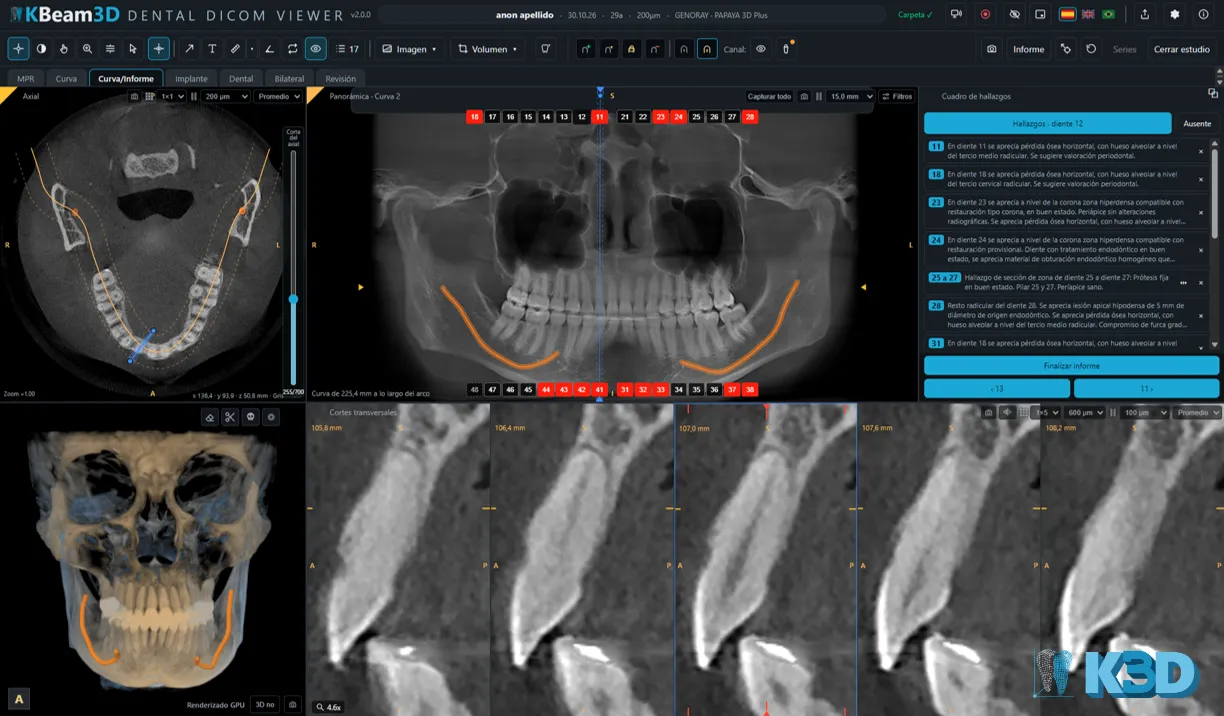
Findings[object Object]
Evaluate, detect and save findings for each structure. A simpler daily workflow.
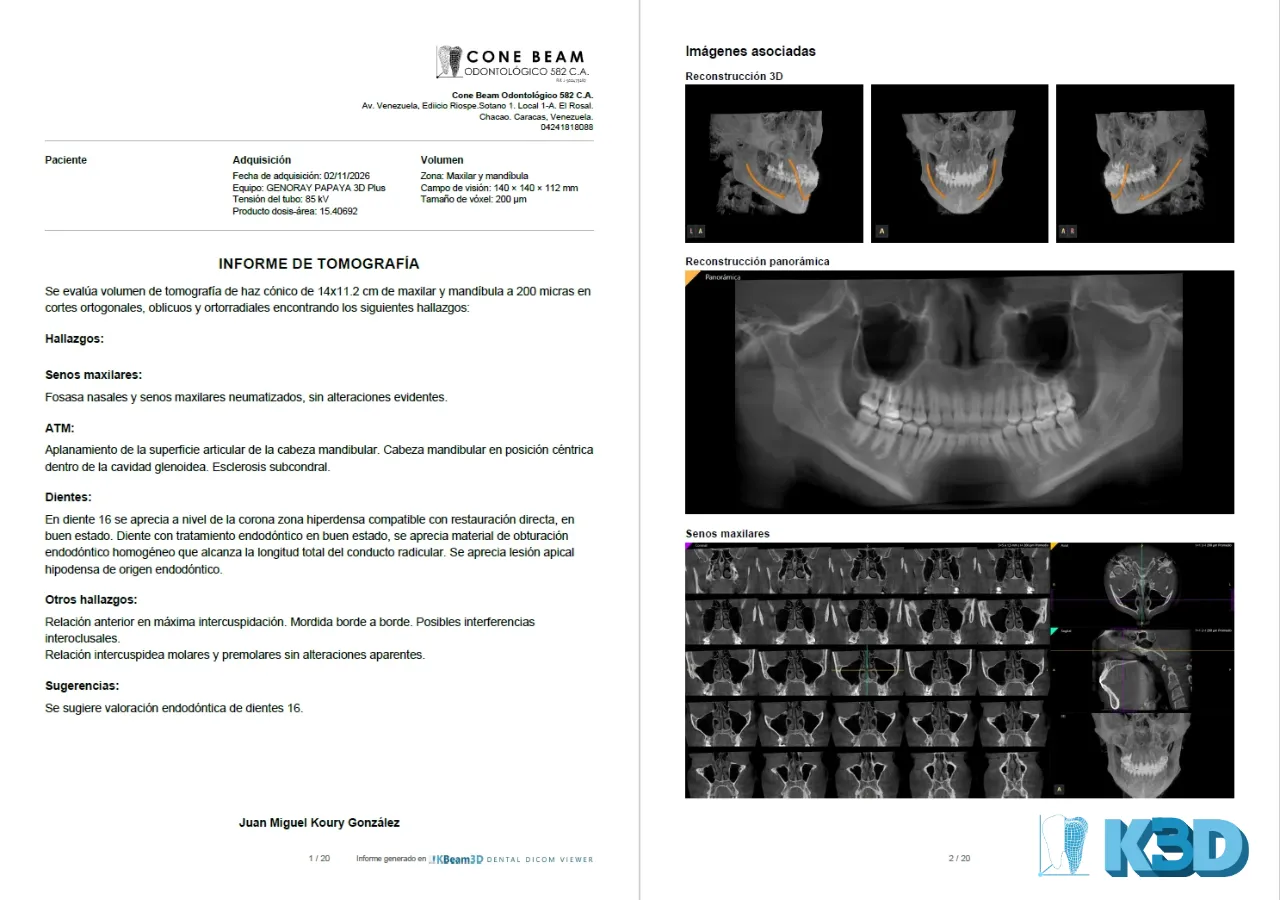
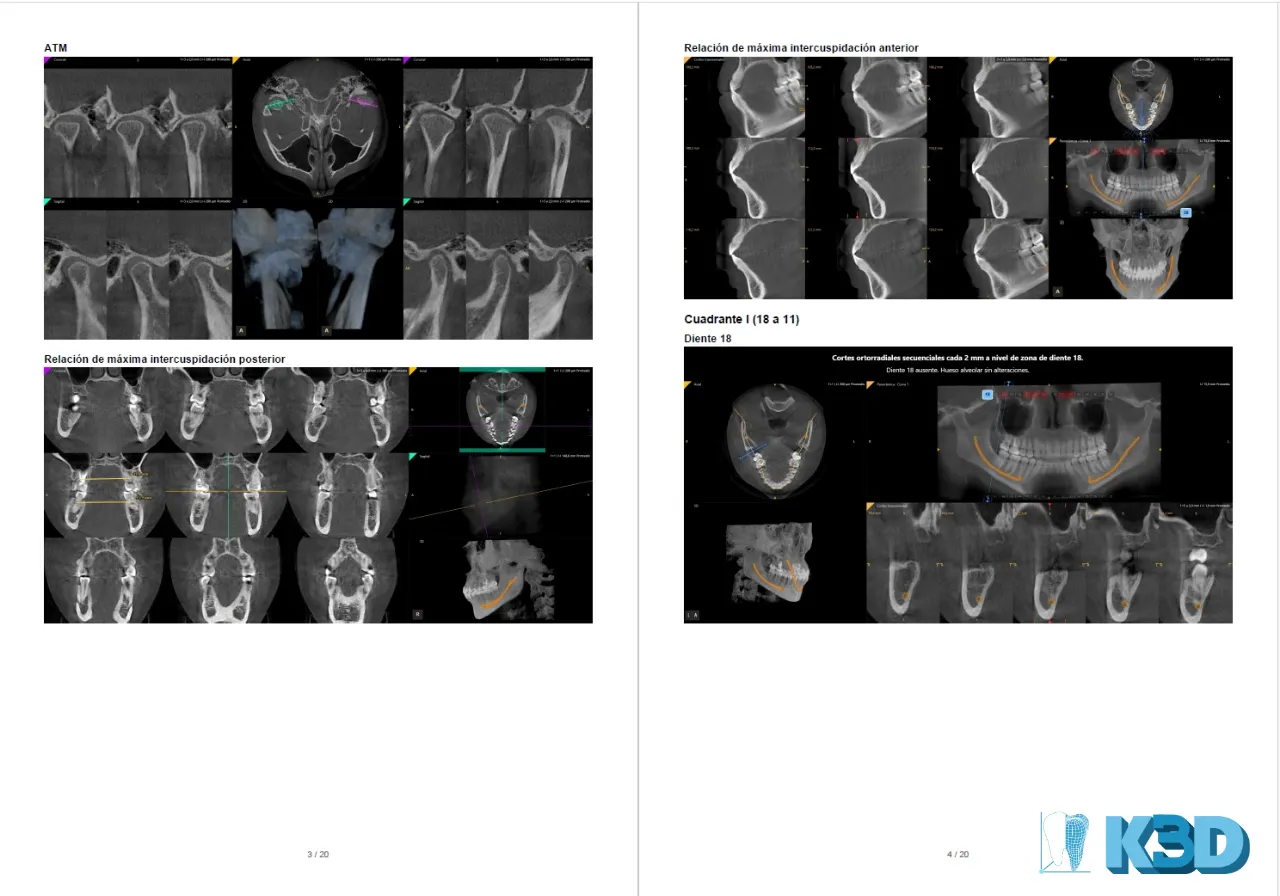
PDF and PowerPoint report[object Object]
Captures and findings in a written, interactive report.
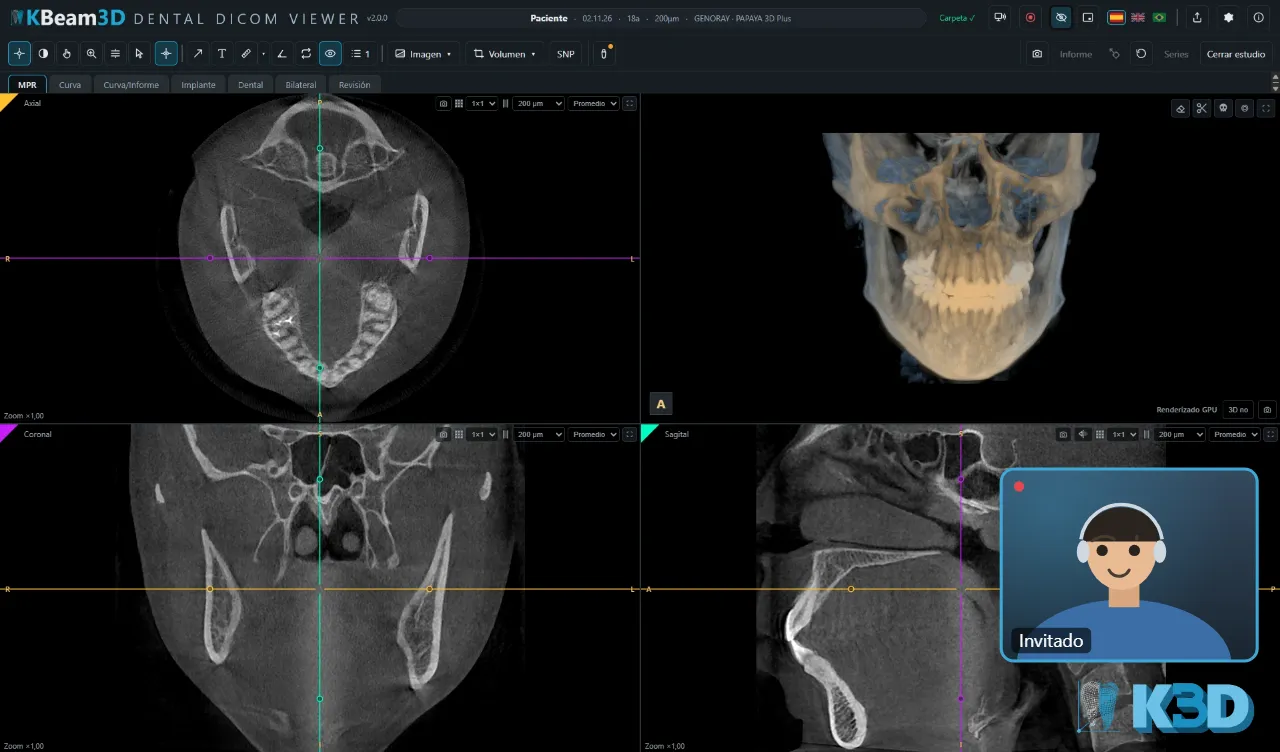
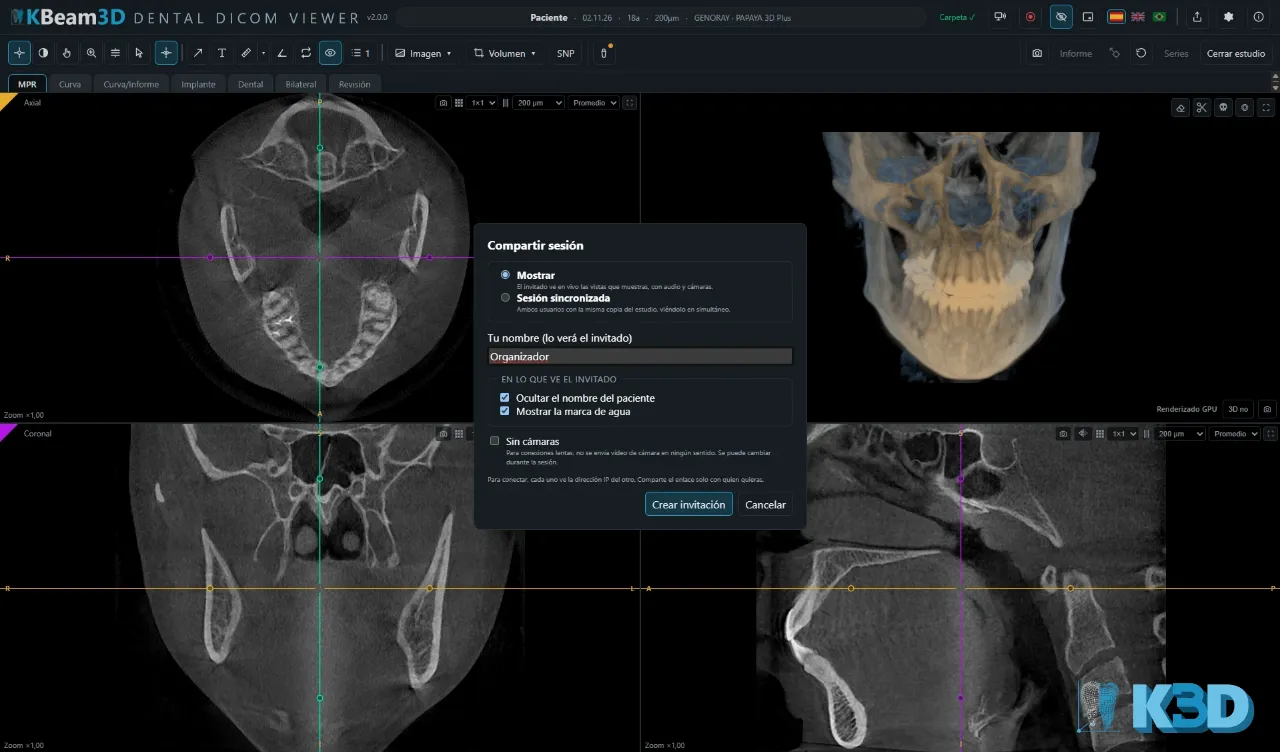
Shared sessions[object Object]
Connect live with another professional and both see the same scan. Creating sessions is part of the Pro edition; with the Lite edition you can join a session if you are invited.
How does it work?
From your PC, Mac, tablet or phone*
- 01
Open the study
Open the viewer online or with the app and load the scan from your device. It is processed right there.
- 02
Explore, evaluate and capture
Scroll through MPR slices, the panoramic and 3D; evaluate, organize and capture your findings.
- 03
Report and share live[object Object]
Annotate your findings, create the automatic report and export it, or start a live session with your referring doctor or patient.
Privacy
Your studies never leave your device.
Online or with the app, you manage your studies: nothing is uploaded to any server. They only leave your device if you start a live session, and only to the person you invite. This page uses no cookies or analytics.
Coming soon
What is next
Accounts and Pro license: purchase and activation of the Pro edition.
Apps for iPad, iPhone and Android.
Requirements
What do you need?
A modern desktop browser. Chrome or Edge are recommended: only they can save your notes to the study folder.
Tablet and phone: reduced features.
Open your first study in seconds.
Open viewerImportant notice
This software is provided for educational, training and review purposes. It is NOT a medical device. It has no authorization or approval from the FDA or from any other health authority (CE/MDR, etc.). It must not be used as the sole means for primary diagnosis or for treatment decisions. Each professional is solely responsible for the complete assessment of the study, for the diagnosis and for the report.
* Limited features on phones because of the screen size and shape.